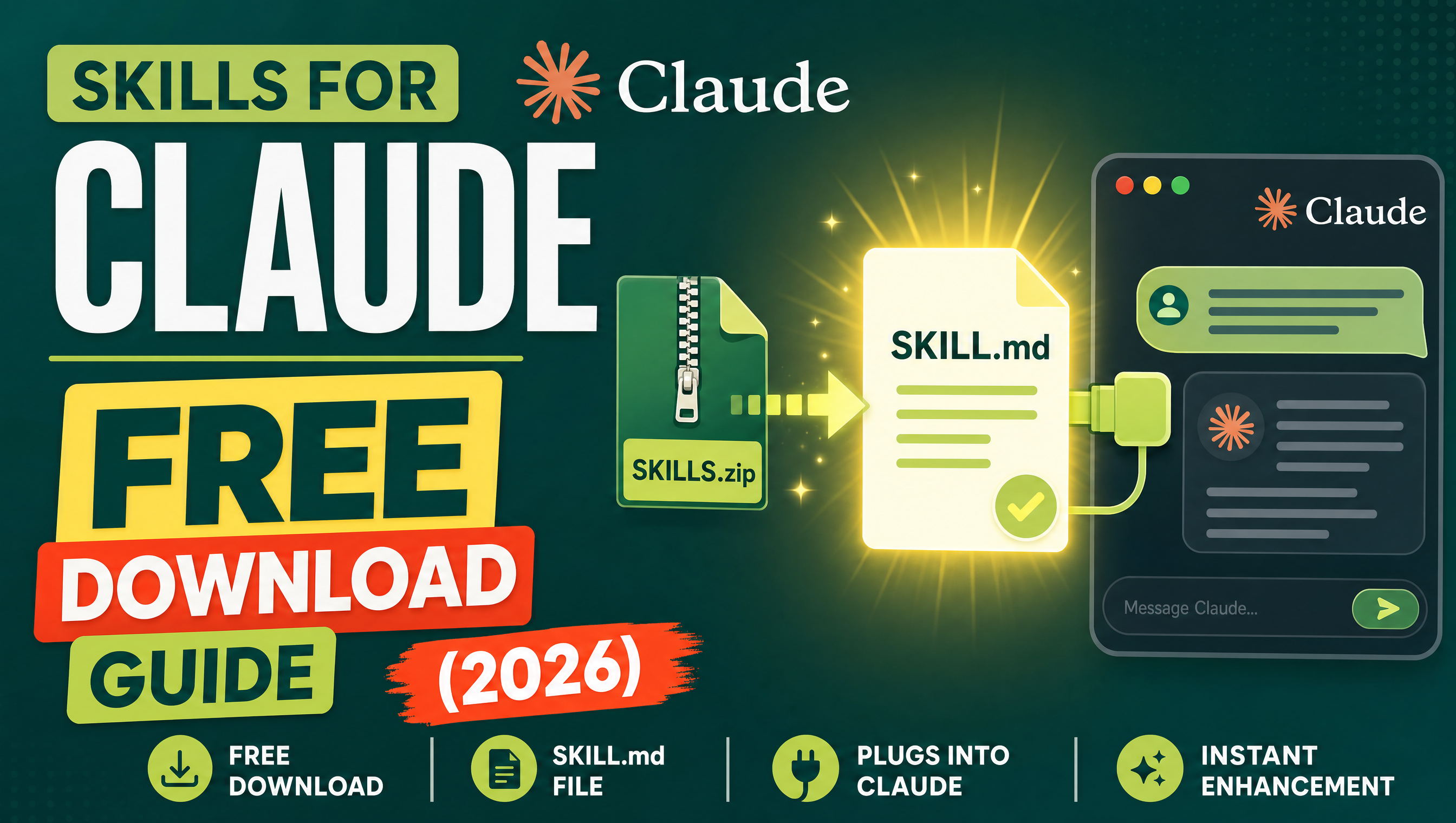
Skills for Claude are downloadable instruction packs — a folder with a SKILL.md file and reference material — that teach Claude a repeatable specialty, from SEO auditing to contract review. This free download guide explains where to get them, what is inside the ZIP, and how to add one to Claude in under two minutes. Some skills are free, and the whole flow is simpler than installing an app.
The concept is simple: instead of re-explaining your workflow in every chat, you package the instructions once and upload them as a ZIP. Claude reads the skill and applies it whenever the task is relevant. If you are brand new to the idea, start with what an AI skill is — and if you have already downloaded one, our walkthrough of using Mahara skills in Claude covers the same flow in more depth.
What exactly is a Claude skill?
A skill is a folder whose heart is a SKILL.md file: written instructions that tell Claude how to run a specific process, step by step, in a consistent style. Around it, a skill can bundle reference files, checklists, templates, and examples. You upload the folder as a ZIP through claude.ai Settings (Settings → Capabilities/Skills → upload skill ZIP), or you create and edit skills directly in Claude Code if you prefer working from the terminal. To go deeper into the anatomy of a skill file, read skill manifests explained.
Think of the difference this way: a prompt is something you say to Claude once, and a skill is something Claude has permanently learned. Because the instructions live in a file instead of your chat history, they do not get truncated, forgotten between sessions, or inconsistently followed. The ZIP you download is just that folder compressed — nothing installs on your machine, nothing runs in the background, and nothing changes about Claude itself until the skill's topic comes up in a conversation.
That last point is what makes skills pleasant to live with. You do not "open" a skill or switch into a mode; you simply ask Claude to plan your month or review a contract, and it reaches for the matching skill the way a colleague reaches for their field manual. If no skill fits the task, Claude answers normally.
Where can I download free skills for Claude?
Three main routes: marketplaces like Mahara AI, where you browse a catalog, claim a skill, and download the ZIP — some are free; building your own inside Claude Code; or receiving one a colleague made. On Mahara the file you download is the same ZIP Claude expects, so there is no conversion step. Our step-by-step guide on downloading a skill from Mahara AI shows the marketplace flow in detail, and many of the same skills also work elsewhere — see our roundup of the best AI skills for Manus.
When you evaluate any source, apply three quick tests. First, does the skill page explain its process, not just promise outcomes? A good skill shows its methodology. Second, is the content inspectable — can you read what the skill instructs Claude to do before you upload it? Third, does it match your actual workflow, or will you fight its assumptions every time you use it? A modest skill that fits your process beats a sophisticated one that does not. This is also why trying free skills first is smart strategy: you learn what good instructions look like before you spend anything.
Which skills should I download first?
Start with skills that solve a recurring problem you actually have. Three worth claiming:
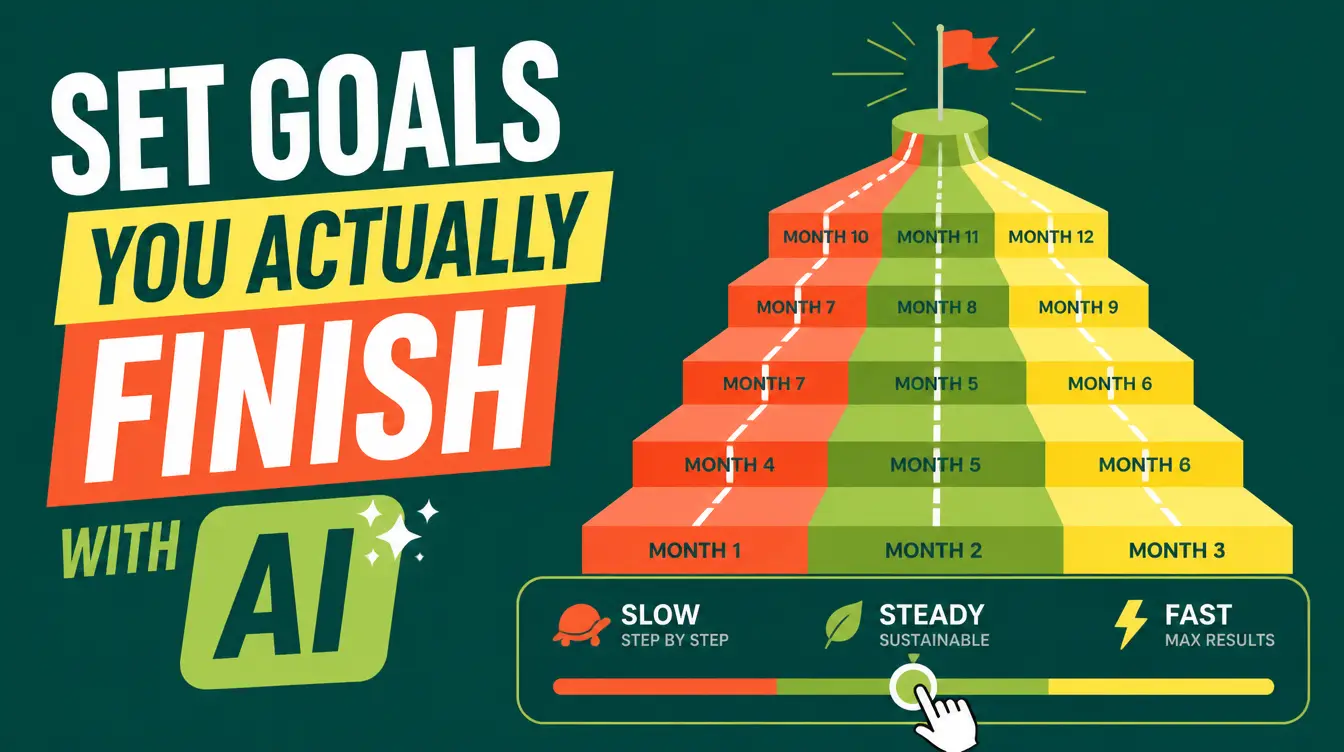
- Goal Architect — turns a vague ambition into a monthly action plan with weekly milestones you can actually follow.
- YouTube SEO — optimizes titles, descriptions, and tags so your videos surface in search and suggestions.
- AI Contract Reviewer — reads a contract and flags risky clauses, missing terms, and one-sided obligations before you sign.



How do I add a skill to Claude?
The whole process takes under two minutes: download the ZIP from your library, open claude.ai Settings, go to Capabilities/Skills, upload the ZIP, then start a normal chat — Claude loads the skill when the task calls for it. No copy-pasting long instructions, no re-setup between chats.
Quick-start tip: upload only the skills you actively use. A small, focused skill set keeps Claude's context clean and makes each skill trigger more reliably at the right moment.
Free skill, paid skill, or build your own?
| Option | Best for | Trade-off |
|---|---|---|
| Free downloaded skill | Trying a workflow for the first time | General-purpose; may need light customization |
| Paid skill | Professional, repeatable use | Cost, but deeper methodology and polish |
| Build your own | Proprietary or niche processes | Takes writing time; you maintain it yourself |
Whatever route fits you, the marketplace is the fastest place to start — browse the catalog, claim the free ones, and keep every skill you download forever at Mahara AI skills.
What happens after I upload a skill?
Nothing visible — and that is the point. Your next chat looks exactly the same as before. The change appears when your request touches the skill's domain: mention planning your quarter and Goal Architect shapes a monthly plan with weekly milestones; share a video idea and YouTube SEO drafts optimized titles, descriptions, and tags; paste a contract and AI Contract Reviewer goes through it clause by clause. Because the skill's instructions are loaded on demand, your everyday questions stay fast and uncluttered.
Over a few weeks you will develop a rhythm: download a skill, use it on real work within a day or two, and decide whether it earns a permanent slot. Skills that survive that trial become quiet infrastructure — the difference between chatting with a general-purpose assistant and working with one that already knows how you run things.