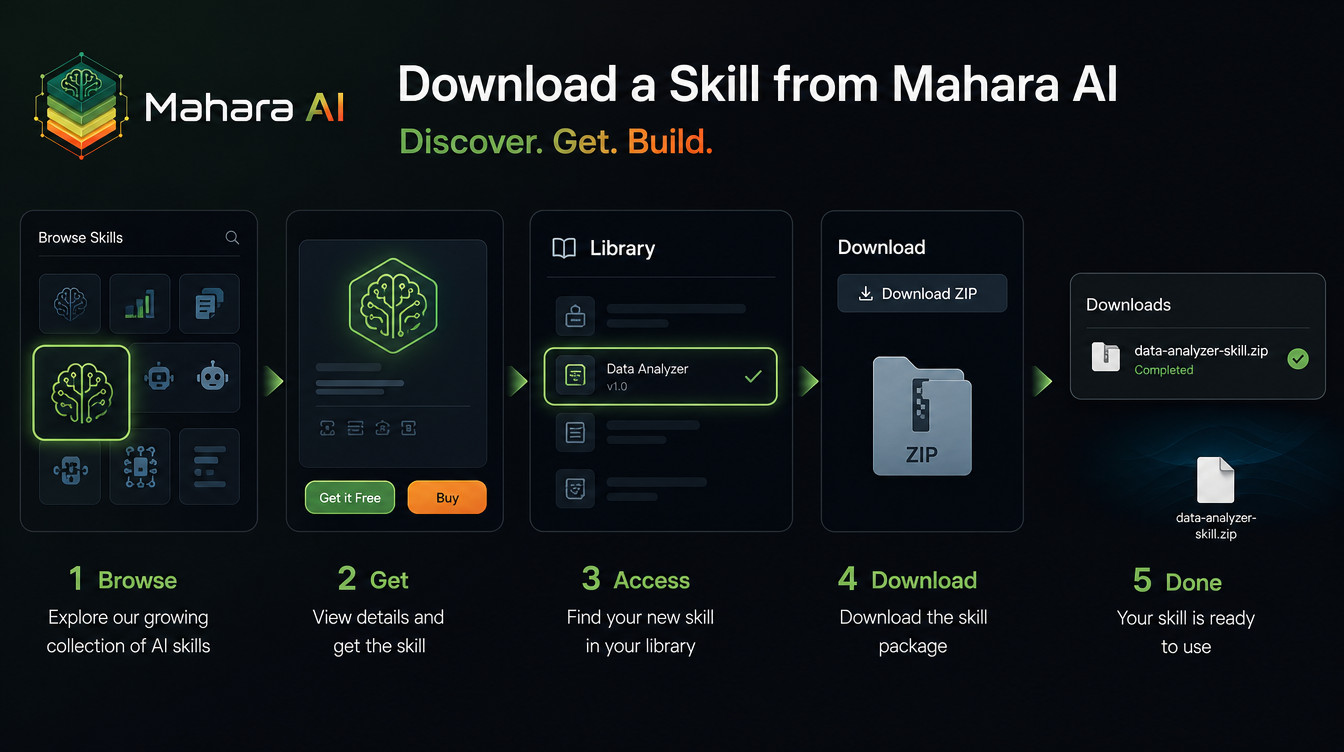
To download an AI skill from Mahara AI, browse the marketplace, claim the skill (many are free), open your library, and click Download to save a ZIP file you own forever. The whole process takes under a minute, and the file you get is portable — the same skill runs inside Manus, Claude, or ChatGPT. This guide walks through every step, what is inside the ZIP, and how to reuse your skill anywhere.
Downloading a skill is the moment you stop renting AI prompt-by-prompt and start owning a reusable, refined workflow. Once it is on your device, it works offline, never expires, and can be loaded into as many tools as you like.
What you need before you start
- A free Mahara AI account.
- Two minutes — no payment, no coding.
- (Optional) An AI agent like Manus, or a Claude account, if you plan to run the skill outside Mahara AI.
Step 1 — Browse the skills marketplace
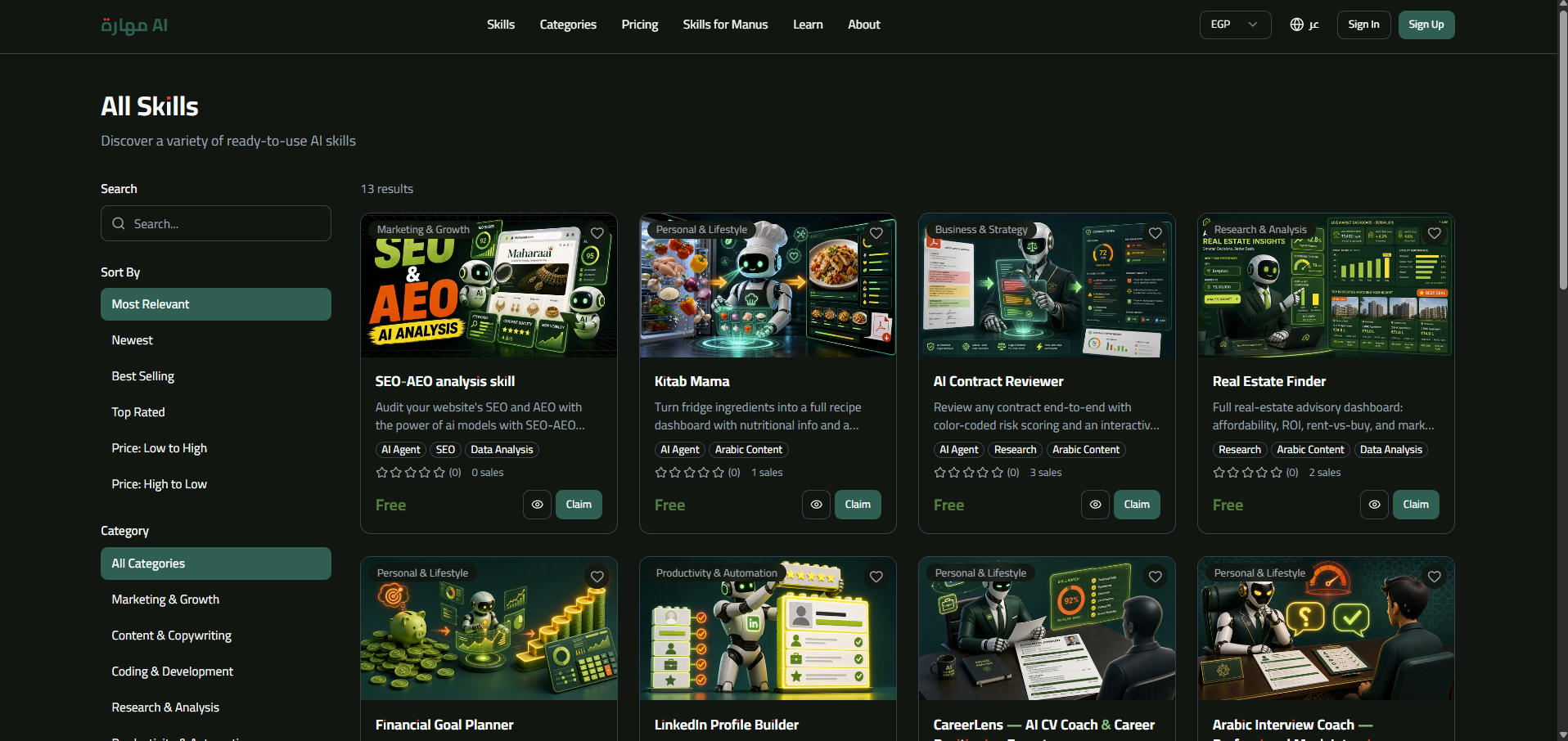
Open the skills marketplace and browse by category, or use the search bar. The filters let you narrow by Free, Manus-compatible, rating, and sort by newest or best-selling. If you are new, the Free filter is the fastest way to find your first skill.
Step 2 — Claim or buy the skill
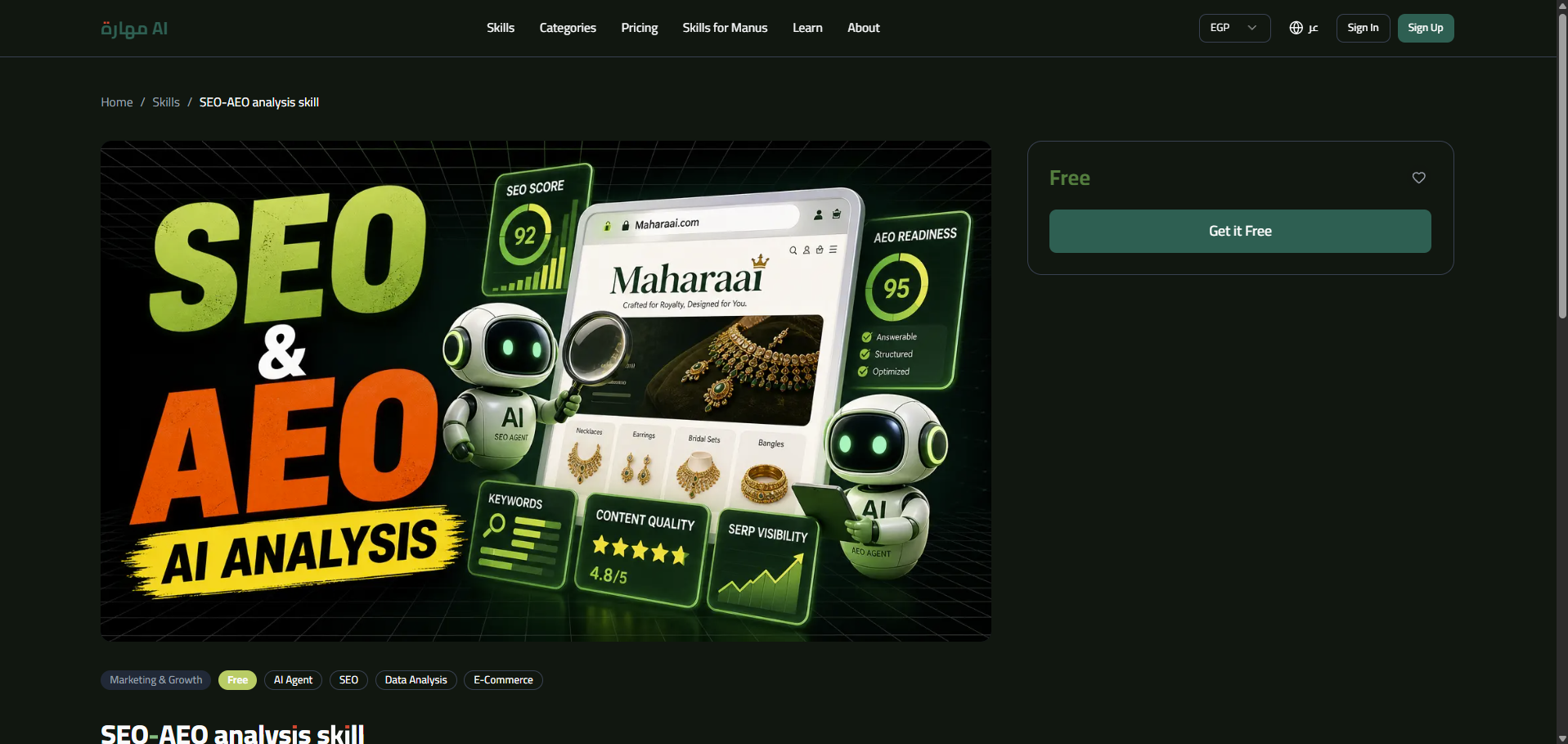
On any skill's page, choose Get it Free for free skills, Buy Now for paid ones, or Claim with Subscription if you have a monthly plan. The moment you claim it, the skill is added to your library permanently — even free skills stay yours for life.
Step 3 — Open your library
Go to My Library in your dashboard. Every skill you own appears there, with its version and a download option. This is also where you re-download a skill to get its latest version.
Step 4 — Download the ZIP
Click Download next to the skill. A .zip file saves to your device — usually in your Downloads folder. This single ZIP is the portable bundle you can reuse anywhere, and it never expires.
What is inside the downloaded ZIP?
A Mahara AI skill is a self-contained package. Unzip it and you will typically find:
- Instructions — the main workflow file (often a Markdown document) that tells the AI exactly what to do.
- Context — examples, rules, and reference material that keep the skill accurate.
- Tools (optional) — extra files or scripts the skill may call on.
If you are curious about the concept behind this bundle, read what an AI skill is.
Where to use your downloaded skill
The same ZIP works in several places:
- Manus — upload the ZIP directly into the Skills panel. See the full Manus guide.
- Claude — paste the instructions into a Project. See how to use skills in Claude.
- ChatGPT — paste the instructions into custom instructions or a custom GPT.
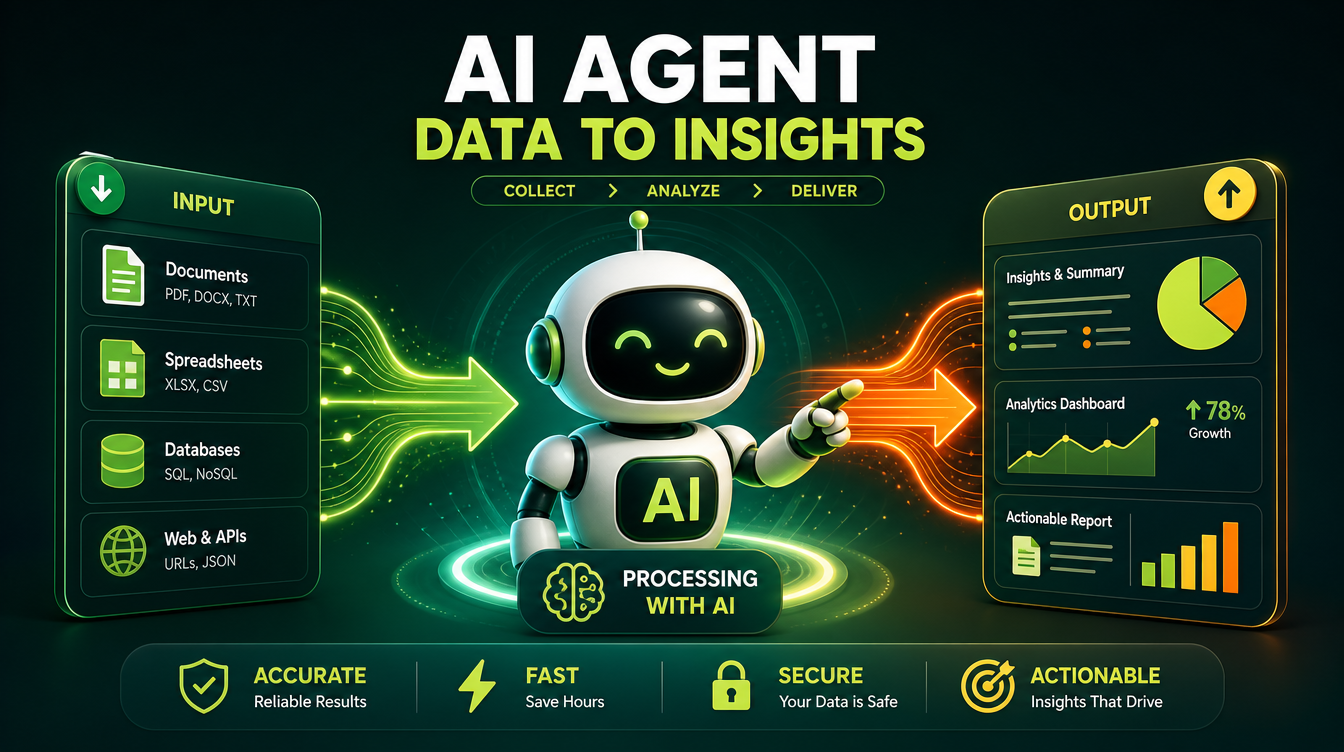
One download, many homes. Try it with a free skill like this one:
Common mistakes to avoid
- Skipping the Manus badge. If you use agents, filter for Manus-compatible skills so the ZIP loads cleanly.
- Confusing claim with subscribe. You can buy or claim a skill individually — a subscription is optional and simply lets you claim any skill.
- Losing the ZIP. Save your downloads somewhere safe; you can always re-download the latest version from your library.
Tips
- Start with a free skill to learn the format before exploring paid bundles.
- Re-download periodically to get the newest version and fixes.
- Keep your ZIPs organized by task so you can find the right skill fast.
Ready to grab your first skill? Browse the marketplace, claim one, and download it in under a minute.