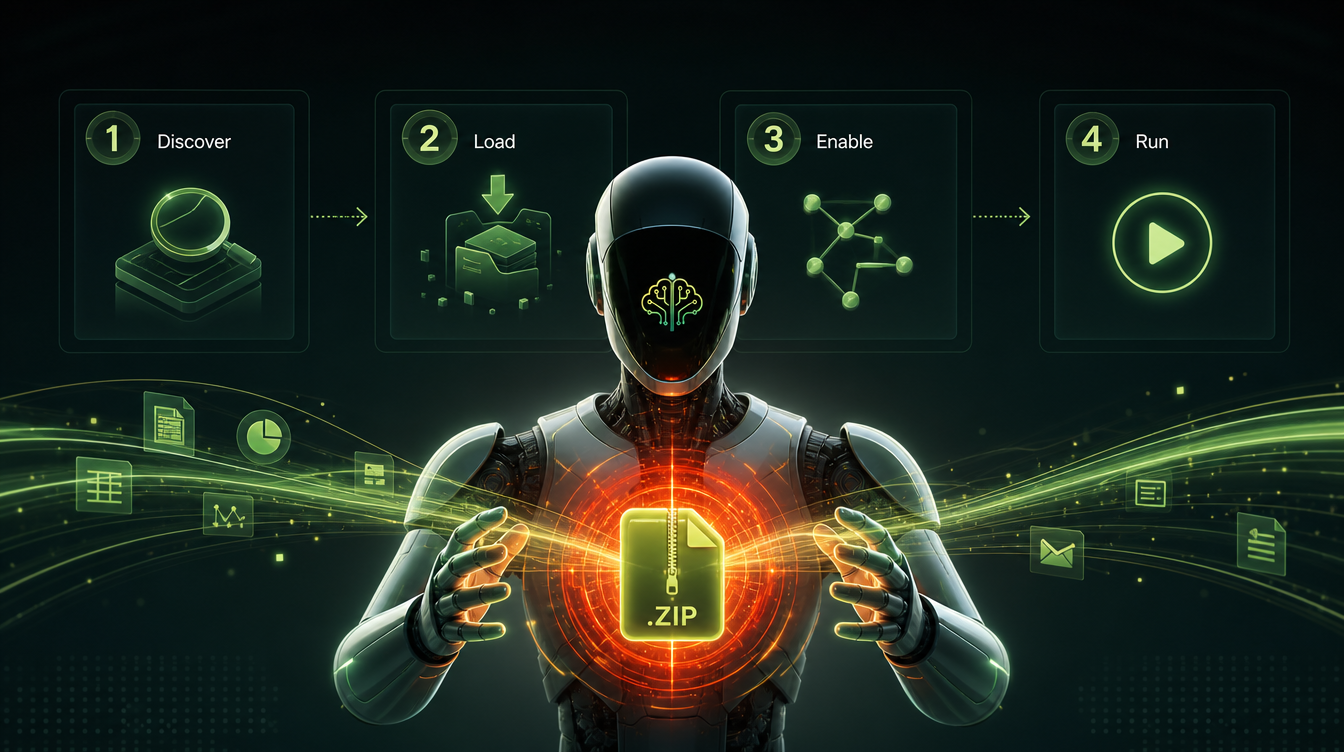
To use an AI skill with Manus, download the skill ZIP, open the Manus Skills panel, upload the ZIP, and activate it — Manus then runs that task like a specialist. Skills give a general agent a proven workflow instead of guesses, which means better results with less prompting. This guide explains what Manus-compatible means, the exact load flow, and two real walkthroughs.
Manus is powerful out of the box, but a generic agent makes generic choices. Load a skill and it suddenly behaves like someone who has done the task a hundred times. That is the whole point of pairing Mahara AI skills with Manus.
What does "Manus-compatible" mean?
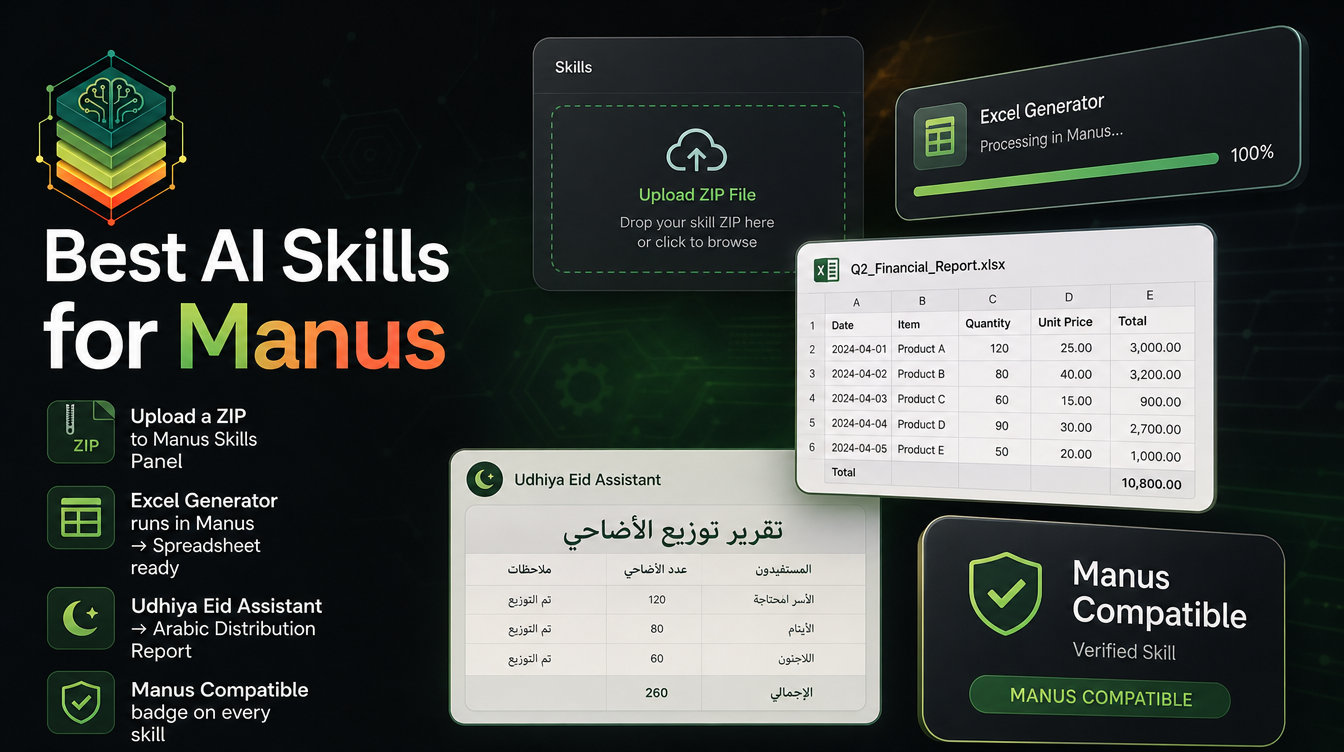
A Manus-compatible skill is a self-contained ZIP: instructions, context, and any tools the agent needs, packed so Manus can load and call on them directly. Look for the Manus badge on the marketplace or filter with the Skills for Manus page. If you are new to the concept, start with what an AI skill is.
Step 1 — Get the skill
Buy the skill, claim it free, or unlock it with your subscription. It lands in your library permanently.
Step 2 — Download the ZIP
From My Library, click Download to save the skill's ZIP. Need the full download walkthrough? See how to download a skill.
Step 3 — Open the Manus Skills panel and upload
In Manus, open the Skills panel and upload the ZIP. Manus reads the bundle and registers the skill as available.
Step 4 — Activate and prompt
Activate the skill, then start your prompt with a direct reference — for example, "Use the Excel Generator skill to build a quarterly report from this data." Manus now follows the skill's workflow.
Walkthrough A — Generate a polished Excel report
Hand Manus raw numbers plus the Excel Generator skill and it returns a clean, formatted, insight-ready spreadsheet with formulas — ideal for reports, budgets, and summaries.

Walkthrough B — Distribute Udhiya per the Sunnah
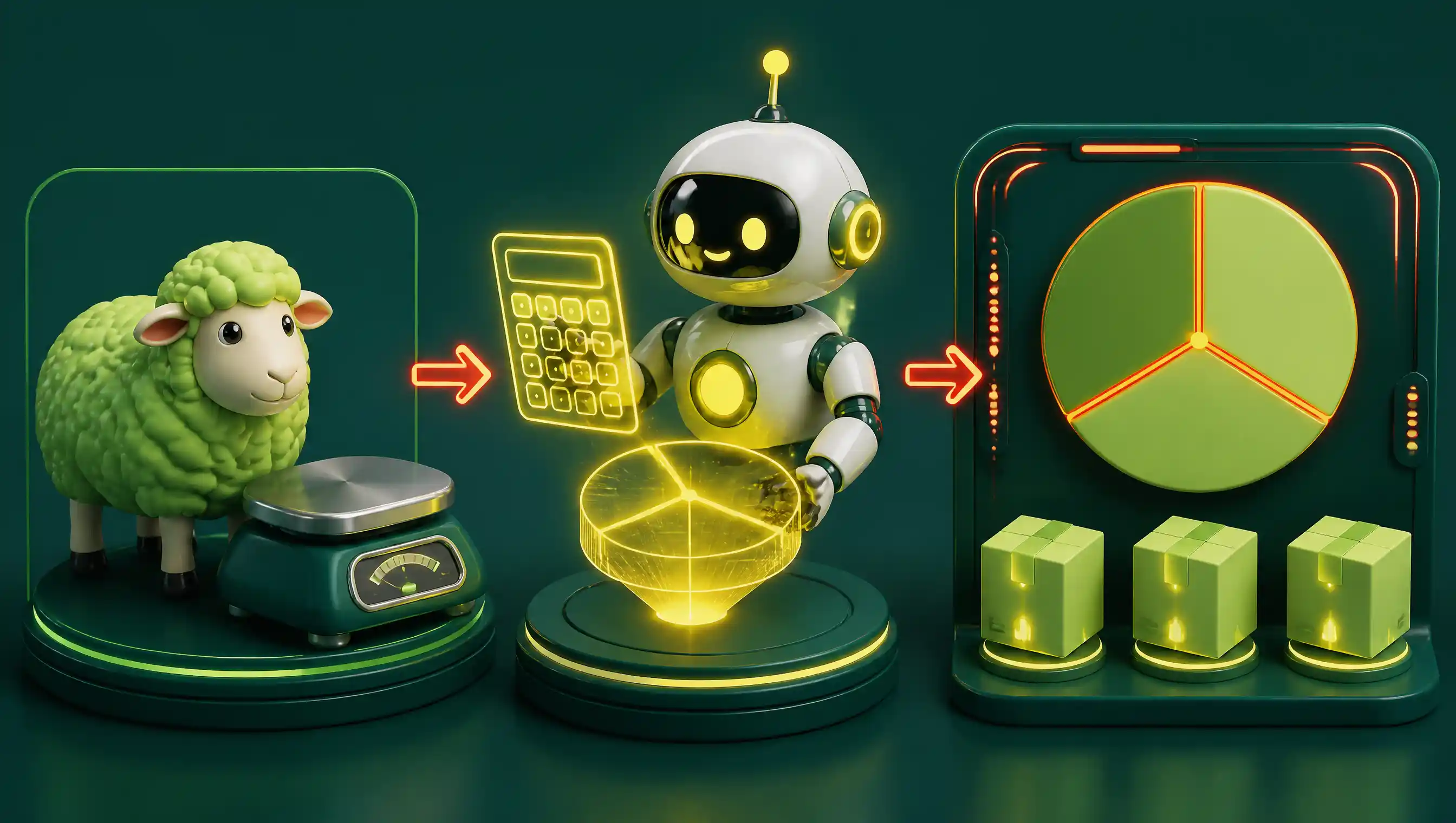
The Udhiya Eid Assistant calculates the Sunnah-compliant distribution of your sacrifice and produces a professional Arabic report — precise, respectful, and shareable.
Tips for better results
- Reference the skill explicitly in your first prompt so Manus engages it.
- Load only the skills you need — fewer active skills mean sharper focus.
- Re-upload the ZIP when a new version is released to stay up to date.
Looking for more? Browse the best AI skills for Manus or the full Manus-compatible catalog.