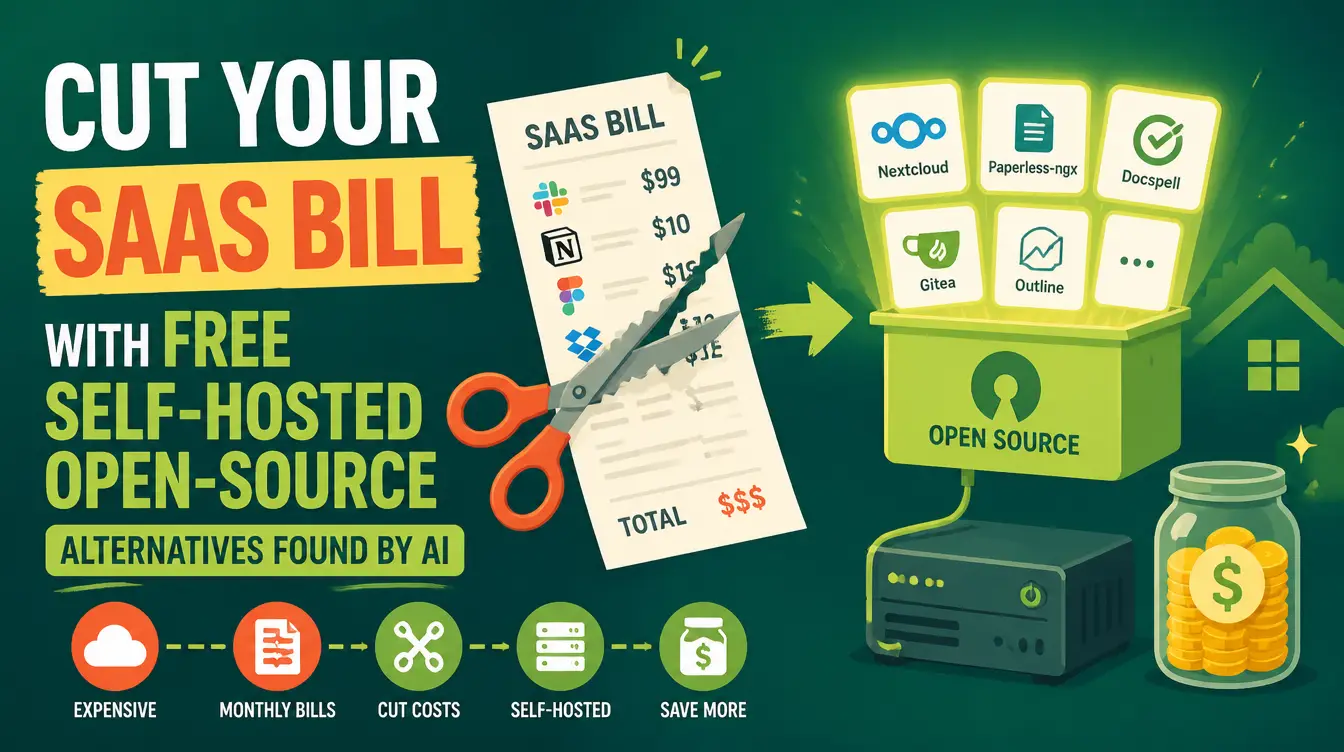
Open your card statement and count the subscriptions: a design tool, a notes app, a scheduler, a form builder, a link shortener — each one looked small when you clicked "subscribe," and together they quietly eat the budget of a small payroll. Most of those jobs have free, open-source alternatives that run on hardware you already own. The reason you have not switched is that finding, vetting, and installing them is real work. The Open-Source Tool Finder skill does that work with you — from "I need something that does X" to a working, configured tool on your machine.
What is the Open-Source Tool Finder skill?
It is a free skill that runs a five-phase pipeline: understand your need, search GitHub live, vet what it finds, recommend the right project, and stay with you through install and configuration until the tool actually runs. The bundle includes reference guides for GitHub search syntax and discovery channels, vetting checks for maintenance, license, OS support, security, and project maturity, an install decision matrix per operating system and project type with exact commands, verified starter examples, and a troubleshooting guide for common install failures. It works in Arabic, English, or any language, and it is Manus-compatible. We introduced it in the tool finder's own guide.
How does it find tools you can actually trust?
Through vetting rules borrowed from professional sysadmins, plus honesty rules the skill cannot break. Every candidate project is checked for maintenance activity, license terms, operating-system support, security posture, and maturity before it is recommended. And the skill refuses to invent a repository, refuses to state stars or last-updated dates from memory — it searches live — surfaces the catch before you install, and tells you plainly when open source is the wrong answer for your need. That last rule is why its recommendations are worth following: a guide that can say "no" is a guide you can trust on "yes."
How does it compare to your other options?
| Option | Monthly cost | Your time | Risk |
|---|---|---|---|
| Keep paying for SaaS | Recurring, forever | None | Price hikes, feature removals |
| Search GitHub yourself | Free | High — and you are the vetting | Abandoned projects, bad installs |
| Skill-guided replacement | Free | One guided session | Managed — vetted, with the catch stated upfront |
Every subscription you cancel is a raise you gave yourself. The only question is who does the switching work.
How do you replace one paid tool this weekend?
- Name the need, not the brand — "I need something that clips and organizes text across devices," not "I need Tool X's free clone."
- Let the skill search GitHub live, with real discovery syntax instead of guesswork.
- Read the vetting result — maintenance, license, OS, security, maturity — and the stated catch before anything installs.
- Follow the recommended install path; the matrix gives exact commands for your OS.
- Run into trouble? The troubleshooting reference covers the common install failures, and the skill stays with you until the tool works and you know how to use it.
When is open source the wrong answer?
Sometimes — and the skill will say so. When a tool needs a team of maintainers to stay compliant, when the free alternative is genuinely immature, or when your use case depends on a specific vendor's ecosystem, the honest recommendation is to keep paying. This honesty rule is baked into the skill: it would rather lose the replacement than set you up with something that fails in a month. The savings come from the many cases where open source is the right answer — and you would never have found out without someone doing the vetting.
What has it already verified?
The skill ships with verified starter examples — real projects that passed the vetting process, including PasteBar, OpenManus, n8n, Understand Anything, Cognee, and Hyperframes. n8n alone anchors a full self-hosted stack: our guides cover running n8n locally with OpenWhatsApp and building a free self-hosted WhatsApp customer-service agent on top of it. For the broader picture of what self-hosting saves a small business, see the small-business stack guide.
What does it cost?
The skill is free, the tools it installs are free, and the machine is the one you already own. The Mahara AI library's paid skills start at 499 EGP, and the 499 EGP/month subscription lets you claim and keep skills — but this particular escape from subscription creep downloads for nothing.
Your card statement already told you the problem. Open the Mahara AI skills library, download the Open-Source Tool Finder, and cancel one subscription this weekend — with the skill doing the finding, vetting, and installing.