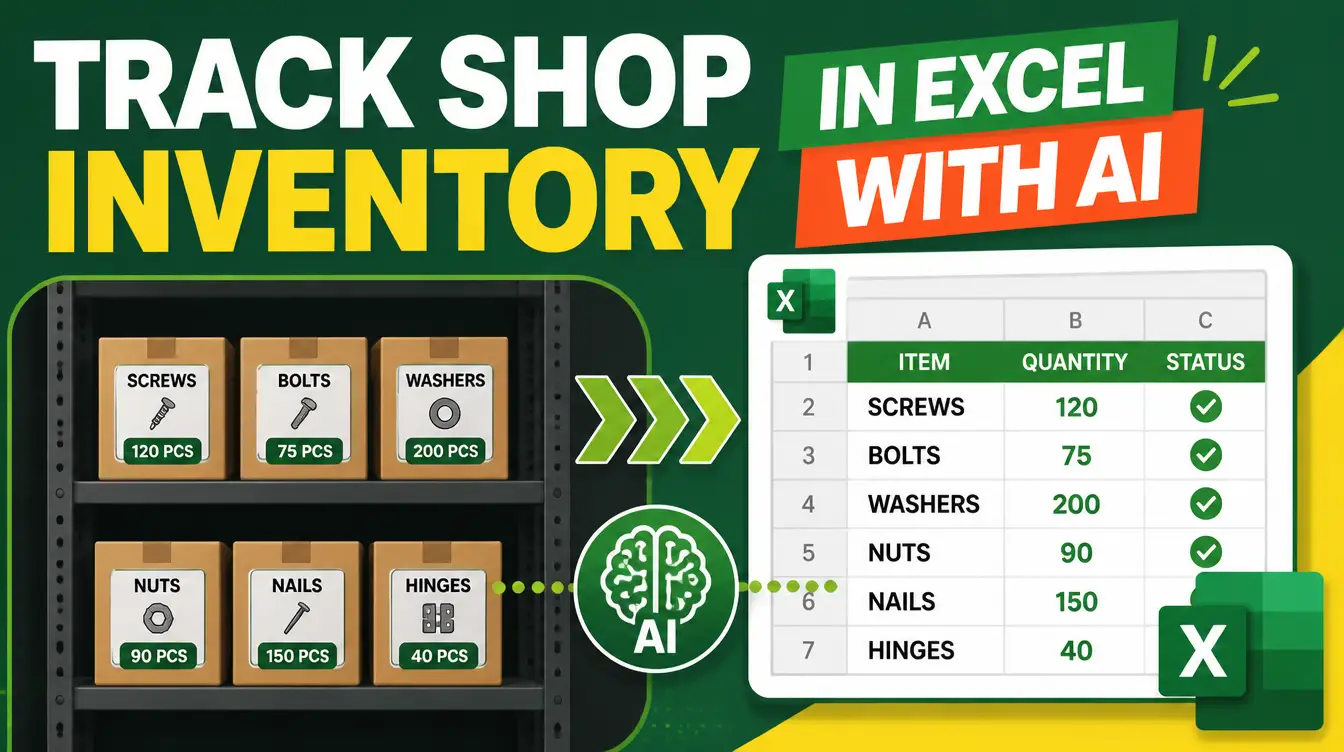
Ask a shop owner where the money went and the honest answer is usually "into the back room." Stockouts lose sales you never see; overstock freezes cash you desperately need; expired or obsolete items write themselves off quietly. The fix is not fancy software — it is a disciplined spreadsheet, and track inventory in Excel with AI is now a ten-minute setup instead of a weekend project. The Excel Generator skill on Mahara AI builds a professional inventory workbook from a plain-language request, and a second skill — the Best Price Finder — makes sure that when the sheet says "reorder," you reorder from the cheapest vetted supplier. Both are free.
New to skills? What is an AI skill explains the model in two minutes: a downloadable bundle that teaches your AI assistant a complete methodology. The office-flavored walkthrough of the same engine is in the Excel Generator for budgets and reports — this piece is the shop-floor edition.
What should a shop inventory sheet actually track?
Not just quantities. A working inventory sheet answers four questions per item at a glance: how many units are left, when do we reorder, what did the last unit cost, and what is it selling for. The Excel Generator skill builds that structure from your description — "inventory for a mobile accessories shop: item, SKU, supplier, quantity, reorder level, cost, price, with low stock in red and a summary dashboard" — and it makes the design decisions automatically: charts that show value by category, conditional formatting so items below reorder level turn red on their own, data validation so quantity cells refuse text, and a KEY INSIGHTS sheet in front so the state of your stock is visible before you scroll anywhere.
| Column | Why it earns its place |
|---|---|
| Quantity on hand | The number everything else is computed from |
| Reorder level | Turns "we ran out" into "we reordered in time" |
| Cost and selling price | Shows which items carry the shop and which just sit |
| Supplier | Connects each row to the reorder decision |
How does the sheet stay accurate when the shop is busy?
Through honesty about how updates happen. The Excel Generator builds data validation into the cells — dropdowns for suppliers, numeric-only quantity fields — which kills the two most common corruption errors: typos and inconsistent names. From there, the discipline is one minute at close of day: update what moved, and the conditional formatting plus the KEY INSIGHTS sheet surface what needs attention. The skill also produces charts that answer the questions owners actually ask — which categories hold the most capital, which items turned fastest — so the weekly review takes minutes, not an accounting session.

What happens when the sheet says reorder?
This is where most inventory systems stop and most shops lose money: the reorder goes to the usual supplier at the usual price. The Best Price Finder skill closes that gap. Run the item through it and it searches across online stores and local market signals, returning a live comparison dashboard with a vendor-by-vendor breakdown, shipping costs where they apply, and a clear buy recommendation. On the items you reorder every month, the spread between the first quote and the recommended vendor compounds into real margin across a year. The mechanics are detailed in the live price comparison guide.

Inventory is money wearing a disguise. A shop that can see its stock clearly at any moment is holding its cash where it earns — not where it gathers dust.
How do you set it up step by step?
- List your items with their current quantities, costs, prices, and suppliers — even a rough first pass is enough to start.
- Describe the workbook to the Excel Generator skill in plain language, including your reorder rules and what you want flagged in red.
- Review the generated workbook: check the KEY INSIGHTS sheet reflects reality, adjust reorder levels to your actual delivery lead times.
- Adopt the one-minute close-of-day update, and read the KEY INSIGHTS sheet weekly for what is overstocked, understocked, or dead.
- When items hit their reorder level, run them through the Best Price Finder before purchasing — the e-commerce skills roundup shows the same pair applied to online sellers.
FAQs
Can I really track inventory in Excel instead of buying software?
For most small shops, yes — the failure mode of Excel was never the tool, it was the unstructured file. The Excel Generator builds the structure professionally: validation, conditional formatting, charts, and a KEY INSIGHTS sheet, all from a plain-language request.
What if I have hundreds of SKUs?
Describe the categories and let the skill structure the workbook around them; data validation and formatting rules apply across ranges, and the KEY INSIGHTS sheet aggregates by category so a large catalog stays readable.
Does the skill connect to my supplier accounts?
No — and that is deliberate. The sheet is yours, offline and portable. The connection to the outside world is the Best Price Finder, which searches live across online stores and local market signals when you are ready to reorder.
Can it handle expiry dates for food items?
Yes — expiry tracking is a column like any other. Describe it in the request and the skill sets up the appropriate date formatting and flags, so near-expiry items surface before they become write-offs.
Are these skills free?
Yes — both skills in this article are free on Mahara AI. Paid skills start at 499 EGP (about $10 USD), there is a 499 EGP per month claim-and-keep subscription, and every purchase carries a 7-day refund.
Your stock room is holding the answer to your cash-flow question. Download the two skills and go read it.