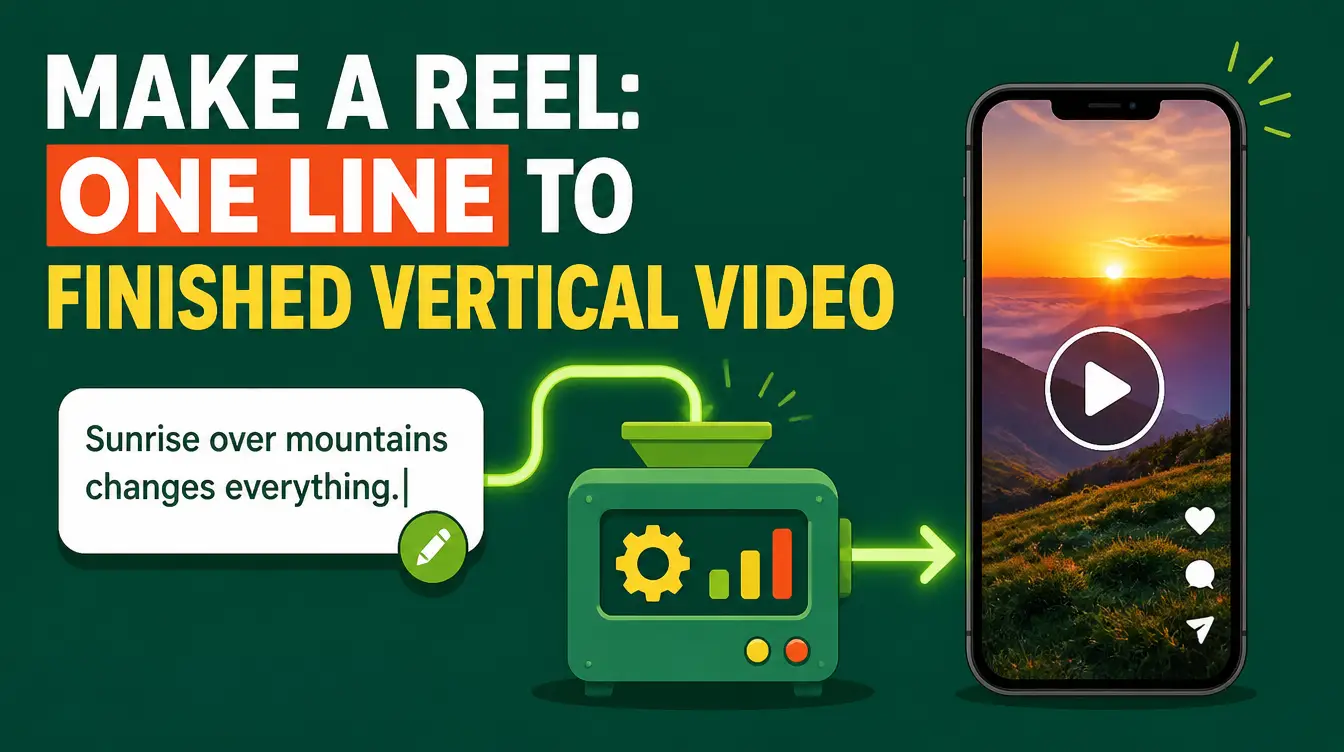
You have the idea at 9 p.m. — a reel about the mistake your clients keep making, or the quick tip your audience asks for every week — and by 9:05 the idea is dead in the gap between "I should film this" and actually filming it. The Make a Reel skill closes that gap permanently: you give it one line, and it hands back a finished 45–60 second vertical reel — a script in Egyptian Arabic with performance tone tags, a free neural voice, animated paper-style scenes, word-by-word captions, and a final MP4 you can post the same evening. No camera, no editing timeline, and no paid accounts anywhere in the pipeline.
The skill is free on Mahara AI and works with Manus-compatible agents. If the skill format is new to you, spend two minutes on what an AI skill is — then back to the reel.
What is the Make a Reel skill?
Make a Reel is a free AI skill that turns a single line — a topic or an idea — into a finished 45–60 second vertical video. It writes the script in Egyptian Arabic with light tashkeel and English tone tags like [excited] and [pause], generates the voiceover with free Edge TTS, builds animated paper-style scenes with word-by-word captions, runs a self-review pass, and renders everything into one MP4. It was curated by Mostafa Hassan (خبير اونلاين), with credits to Hossamudin Hassan — Mahara AI. The design philosophy is simple: the distance from idea to postable video should be one sentence, not one weekend.
How does one line become a finished reel?
Through a five-stage pipeline that runs without you babysitting it:
| Stage | What happens | What you notice |
|---|---|---|
| Script | 10–14 short lines in Egyptian Arabic, light tashkeel, tone tags | The lines read like a person talking, not a press release |
| Voice | Free Edge TTS, two takes per line, smart take selection, silence trimming | No account, no subscription — the better take wins automatically |
| Scenes | Paper-style HTML template, one visual idea per line — cards, phone mock-ups, checklists, counters | Word-by-word captions with accent-colored keywords |
| Self-review | Safe margins, timing accuracy, phone-readable contrast, real numbers only | The reel checks itself before it hands itself over |
| Render | HyperFrames render plus voice mix and optional SFX | One final MP4, 45–60 seconds, vertical |
What do you actually type?
One line. Something like "a reel about the three mistakes we all make in email" or "why our prices are honest this season" — the idea, not a brief. The skill expands it into the script, performs it, animates it, and renders it. The tone tags are the detail worth pausing on, because they are stage directions for the voice: [curious] before a question, [pause] before the number that matters, [excited] on the payoff. The voice performs them; the viewer never hears them. That is the difference between a voiceover that reads and one that performs — and on a platform where the first two seconds decide the scroll, performance is everything.
Every reel you never posted was killed by the eleven steps between the idea and the export. This skill deletes the eleven steps; the idea remains your job.
How do you make a reel with the skill, step by step?
- Write one line — the topic or the idea, in Arabic or English. Resist the urge to write a brief; the skill only asks questions if the line is genuinely ambiguous.
- Pick a style: Paper (the default), Dark night (indigo with pixel stars), or Cartoon (adds a presenter character).
- Let the script stage run: 10–14 short lines in Egyptian Arabic with light tashkeel and tone tags placed for performance, not decoration.
- Let the voice stage run: free Edge TTS records two takes per line, selects the better one, trims the silences, and builds the timeline.
- Let the scene and self-review stages run: one visual idea per line, word-by-word captions, then the safety pass on margins, timing, and contrast.
- Export the final MP4 and post it — then run the same pipeline next week with a new line, because the skill is yours to reuse forever.
Why do the captions land word-by-word?
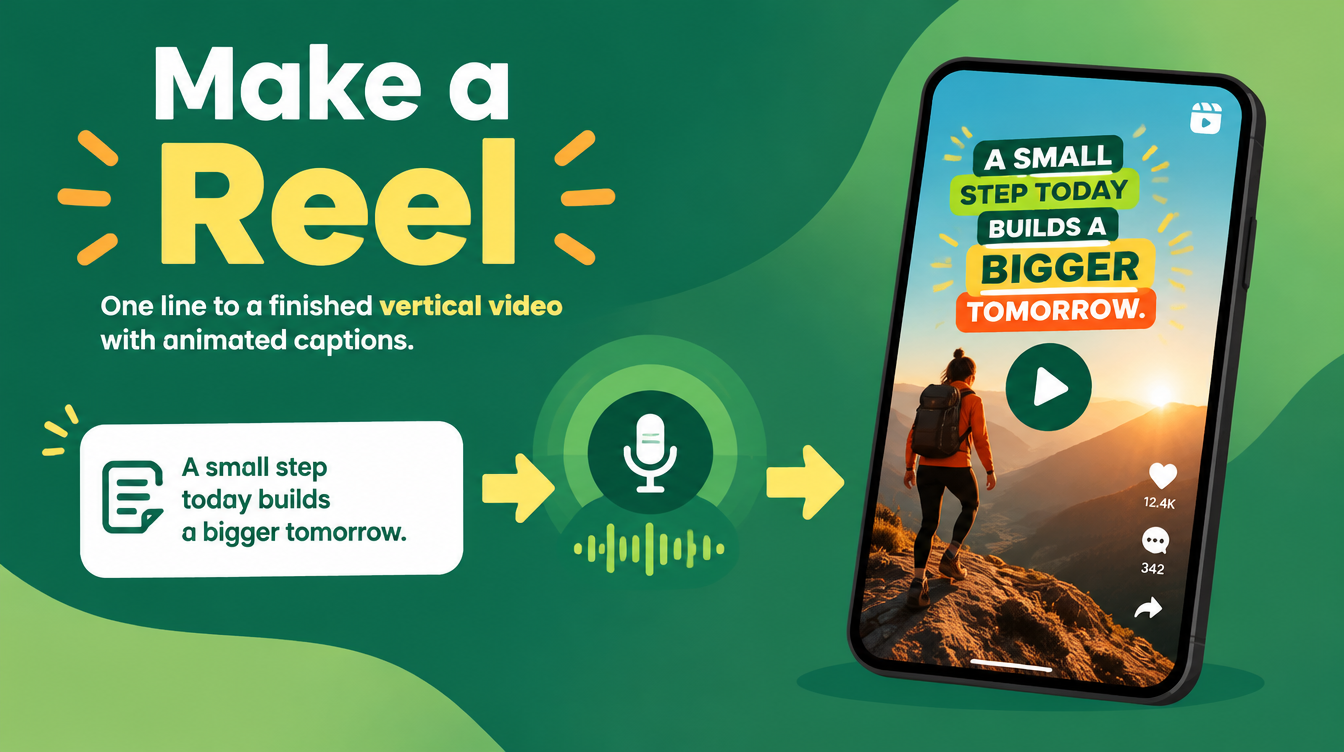
Because on a phone, a caption is read at the speed of speech or not at all. The skill highlights the current word as the voice says it and accent-colors the keywords, so a viewer on mute still follows the argument — and many short-form viewers are on mute. The self-review stage checks contrast specifically for phone screens in daylight, which is where reels are actually watched. It is the same completion-rate logic that short-form script writing leans on — the method the TikTok script-writing guide covers for text — applied here to the video itself.
Is the output editable, or is it a black box?
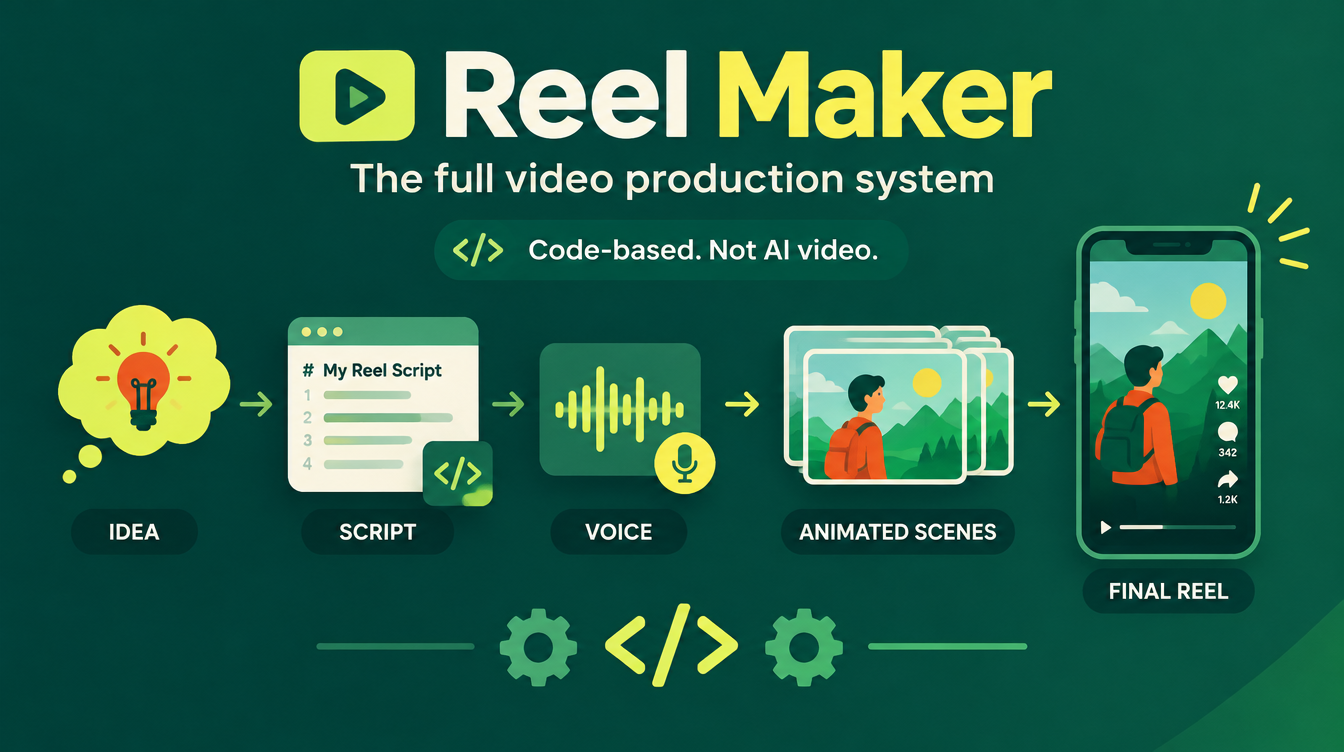
Editable by design. The scenes are an HTML template rendered through HyperFrames, not a blob of generated pixels, so a frame can be re-timed, a card re-worded, a color changed. And when a channel outgrows one-line reels and needs a full production system — your own recorded voice, word-level timings from Whisper, a text-overlap scanner — the same library carries Reel Maker, the bigger sibling that the 2027 creators stack builds on. Start with one line; upgrade when the one-liners start paying.
Where does the reel go after the export?
Wherever your audience scrolls: TikTok, Reels, Shorts — the video comes out vertical and 45–60 seconds, the format all three platforms reward. For the YouTube version, packaging matters as much as the footage: the YouTube SEO skill guide covers the titles, chaptered descriptions, tags, and thumbnails. And if you are building a whole content operation rather than posting a single reel, the wider toolkit is mapped in the AI skills for content creators guide.
FAQs
What is the Make a Reel skill?
Make a Reel is a free, Manus-compatible AI skill that turns one line — a topic or idea — into a finished 45–60 second vertical reel: an Egyptian Arabic script with tone tags, a free Edge TTS voice, animated paper-style scenes, word-by-word captions, and a final MP4.
Is the Make a Reel skill free?
Yes — it is free on Mahara AI. Paid skills on the platform start at 499 EGP (about $10 USD), there is a 499 EGP per month claim-and-keep subscription, and every purchase carries a 7-day refund.
Do I need any paid accounts to use it?
No. The voice stage uses free Edge TTS with no account needed, and the render runs locally through the skill pipeline — there is no paid subscription hiding anywhere between your one line and the final MP4.
Does it write the script in English or Arabic?
The script layer is Egyptian Arabic by design, with light tashkeel and English tone tags like [excited] and [pause] that the voice performs but never reads aloud — because the reels it targets speak the dialect the audience actually scrolls in.
Can I edit the reel after it is generated?
Yes. The scenes are an HTML template rendered through HyperFrames, so you can re-time a frame, re-word a card, or change a color — and when you need a full production system instead, the same library offers Reel Maker with word-level timings and a text-overlap scanner.
You will have another idea at 9 p.m. tonight. Claim the Make a Reel skill — free — and this time the idea survives all the way to the post button.