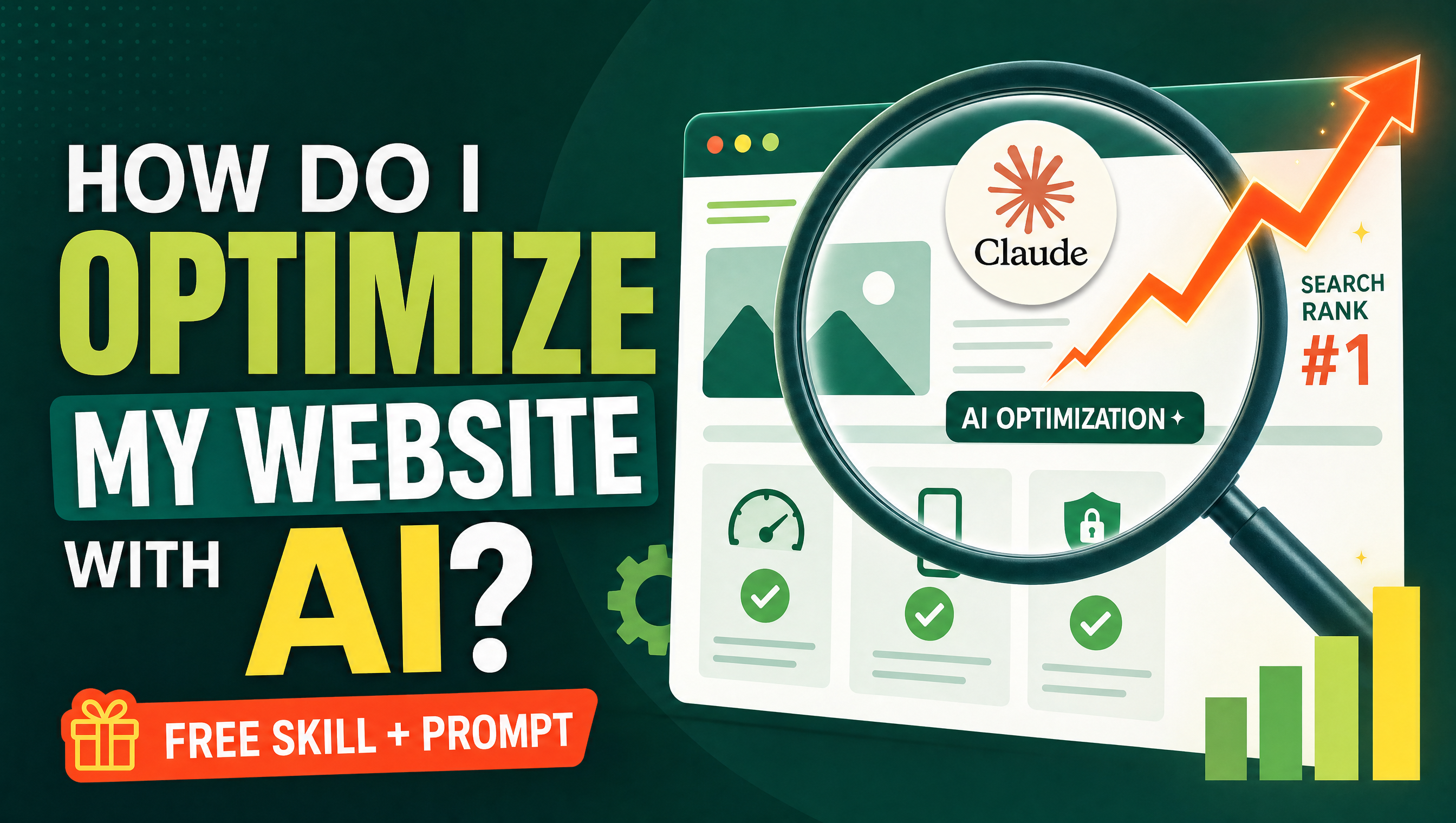
You optimize a website with AI by letting it do the three things that used to eat your week: auditing every page for SEO and AEO problems, rewriting metadata and headings so both Google and AI assistants understand them, and generating the structured extras — FAQ sections, schema, sitemaps, robots.txt — that modern search rewards. Instead of guessing what to fix, you run an AI skill that scans your site and hands you a prioritized list. This tutorial walks through the whole process in five steps, includes a ready-to-paste audit prompt, and shows when a dedicated skill beats plain prompting.
SEO alone is no longer enough. In 2026 your pages are also read by ChatGPT, Claude, and AI Overviews, so optimization means two surfaces at once. If you are new to the distinction, start with our guide to SEO vs AEO, and if you have never used an AI skill before, read what an AI skill actually is — it is a downloadable instruction pack that makes any AI assistant perform like a trained specialist.
Why is an AI skill better at website optimization than a chat prompt?
A plain prompt gives you one opinion, once. A skill encodes a repeatable methodology: it walks every page with the same checklist, outputs the findings in a consistent format, and never forgets a step because it is written into the skill file. For website work, that consistency is the difference between a vague list of suggestions and a real audit you can act on.

How do you optimize a website with AI in 5 steps?
Step 1: Crawl or export your page list
Collect the URLs you want to improve. Use a free sitemap-based crawler, export your pages from your CMS, or simply paste your sitemap.xml URL into the chat. A complete page list is what turns random tips into a site-wide plan.
Step 2: Run the SEO & AEO audit skill
Load the SEO-AEO analysis skill and point it at your page list. It audits your site's SEO surface (titles, descriptions, headings, structure) and its AEO surface (direct answers, question coverage, schema) and returns findings ranked by impact. This is the same approach we detail in the companion tutorial how to audit your website SEO with AI.
Step 3: Fix titles, descriptions, and headings
Work through the audit top-down. Let the AI rewrite each page's title tag and meta description around the real search intent, and restructure headings into a clean question-and-answer hierarchy. Approve every rewrite yourself — you know your brand voice better than any model.
Step 4: Add FAQ sections and FAQ schema
For every key page, have the AI draft a short FAQ section built from the questions your customers actually ask, then generate the FAQ schema markup to go with it. FAQ blocks are the single highest-leverage AEO improvement because they give answer engines a quotable passage with your name attached. Skill creators should also read how to get cited by ChatGPT and Claude.
Step 5: Re-test and monitor
Two or three weeks after publishing, re-run the audit on the same page list and compare. Optimization is a loop, not a one-off: measure, fix, re-test. Keep a simple spreadsheet of before-and-after findings so progress is visible.
What does an AI website audit actually check?
| Area | What AI checks | Fix |
|---|---|---|
| Titles & meta descriptions | Length, keyword placement, duplication across pages | Rewrite around search intent, one unique pair per page |
| Headings structure | H2/H3 hierarchy, question-shaped headings | Restructure into Q&A flow with answer-first paragraphs |
| AEO readiness | Direct-answer passages, FAQ coverage, schema presence | Add FAQ sections plus FAQ schema markup |
| Technical files | Sitemap, robots.txt, RSS availability | Generate and submit updated files |
| Content gaps | Questions your audience asks that no page answers | Create new answer-first pages for each gap |
Can I try this with a free prompt first?
Yes. Paste this into any capable chat model to get a solid first-pass audit before you install anything:
You are a senior SEO and AEO consultant. I will give you a list of URLs (or my sitemap). For each page, audit: (1) title tag and meta description quality, (2) heading structure, (3) whether the opening paragraph directly answers the page's main question, (4) FAQ presence and schema markup, (5) internal linking opportunities. Output a table of findings ranked by impact, then a prioritized fix list with a concrete rewrite suggestion for the top five issues. Do not invent statistics or traffic numbers.
When should I use the skill instead of plain prompting?
Use the free prompt for a quick health check on a handful of pages. Switch to the SEO-AEO analysis skill when you want the full, repeatable audit across a whole site, and pair it with a builder skill when you are ready to act on the findings.
The practical difference shows up in the second and third month. Prompt-based optimization tends to drift: each new chat forgets what the last one fixed, and standards slowly slide. A skill keeps the checklist frozen, so the audit you run in March measures exactly the same things as the one you ran in January — and that is what makes progress measurable instead of anecdotal. Teams get the same benefit: everyone runs the same skill, so findings arrive in the same shape and can be assigned without translation.
There is also a speed argument. A skill does not need you to re-explain your business context every session. It already knows to check both surfaces — the classic SEO checklist and the newer AEO one — in a single pass, which matters because fixing them together (a rewritten title and an answer-first opening paragraph) is cheaper than fixing them separately in two projects.

And when you are not fixing an existing site but launching a new one, the builder skill becomes the faster path: instead of auditing what a template got wrong, it produces pages that are correct on day one.
What should I do after the first optimization cycle?
Optimization compounds. After your first full pass, keep a simple monthly rhythm: pick the three weakest pages from the latest audit, improve them, and re-run the audit. Add one new answer-first page for each content gap the skill finds, and re-check your FAQ sections as your customers' questions evolve. Small, steady cycles beat one heroic rewrite — and with AI doing the scanning, each cycle costs minutes instead of days.
The Professional Website Builder skill runs a discovery→plan→benefit-led copy workflow and ships every site with a complete SEO/AEO pack: metadata, FAQ schema, sitemap, robots.txt, and RSS — and it never invents proof or results, so what you publish stays honest. If you found this useful, explore more skills on Mahara AI and start optimizing today.