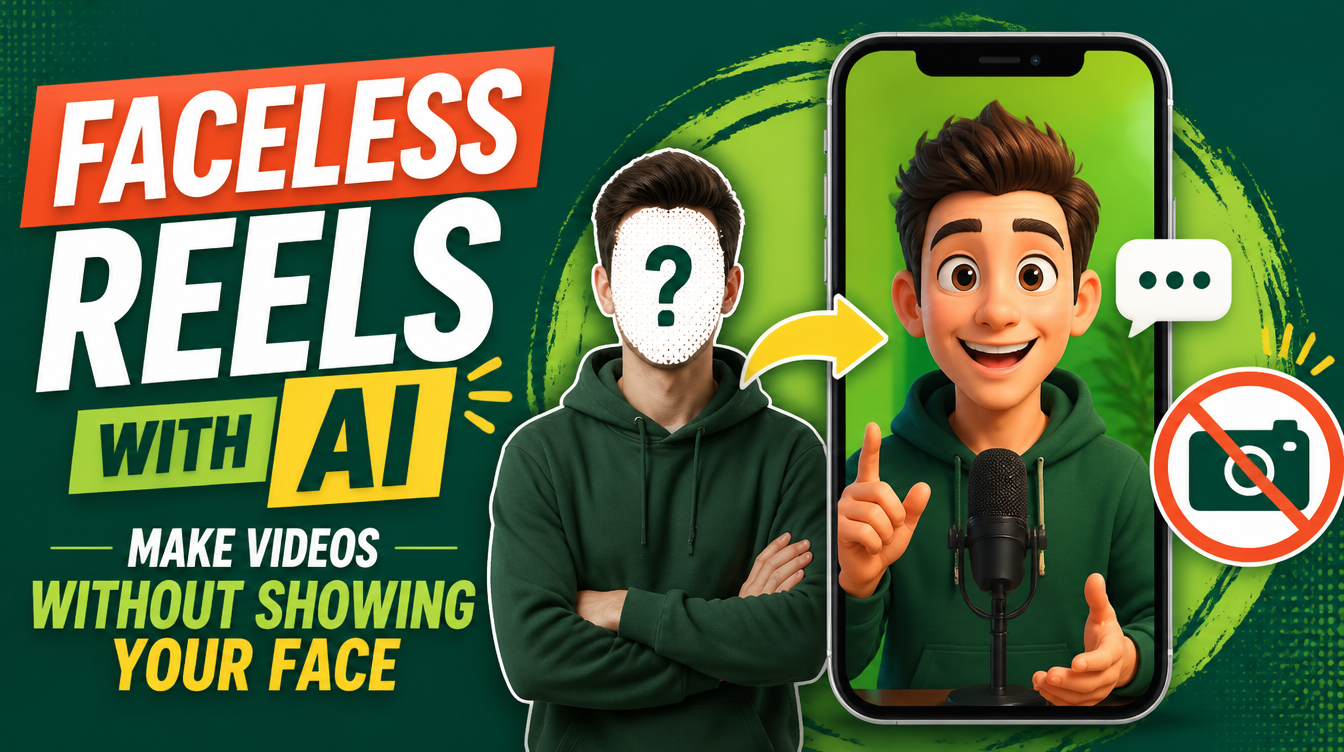
You have things to say and a phone that films beautifully — and still you post nothing, because the algorithm wants your face and you do not want to give it. Maybe it's privacy, maybe it's a professional day job, maybe you just hate watching yourself back. Good news: "faceless" and "invisible" stopped being the same thing. This guide shows you how to make faceless reels with AI that still have a presenter people recognize — a consistent cartoon character built from a single photo, with your script, your voice or a free one, and lip-sync that reads as intentional rather than uncanny.
New to skills in general? The primer is what is an AI skill. Already making videos and just avoiding the camera? The tools below slot straight into the video editor's stack.
Why do most faceless channels fail?
Because they hide the presenter instead of replacing them. Stock footage over a robotic voice, or kinetic text over stock footage, or a whiteboard hand drawing shapes — these formats were novel once, and now audiences scroll past them on sight because nothing in them is someone. The channels that grow while faceless have a character: a drawn host, an animated mascot, a consistent voice with a face you never see but always recognize. The lesson is blunt: faceless is a casting decision, not a hiding strategy.
What are your faceless options, really?
Four formats dominate, and they are not equal:
| Format | What it looks like | Why it survives or dies |
|---|---|---|
| Stock footage + voiceover | Generic clips, AI voice | Dies: indistinguishable from ten thousand identical channels |
| Kinetic text / captions only | Words animating on screen | Works for punchy quotes, weak for personality-led content |
| Screen recording | Your screen, your voice | Strong for tutorials, useless for opinions and stories |
| Talking cartoon character | A drawn version of you that speaks | Survives: a recognizable host, no camera, no exposure |
The faceless channels that grow never removed the presenter. They replaced the presenter — with a character the audience can recognize in the first half-second.
How does a talking cartoon character work?
The Talking Character skill turns one photo of you into a consistent 2D cartoon that talks with lip-sync — and the consistency is the engineering core. The photo analysis locks three signature details that never change, and the character ships as a turnaround sheet on pure chroma green (front, three-quarter, side, back), so the same character keys into any scene from any angle. From there the skill writes a 60–110 second dialogue script, voices it with the free dual Egyptian voices Shakir and Salma, animates the mouth, and assembles a finished vertical reel. If you want it to sound like you, it supports voice cloning — and if the clone is not close enough, it says so and falls back to a clean stock voice rather than pretending. The full walkthrough is in Talking Character: turn your photo into a cartoon that speaks.
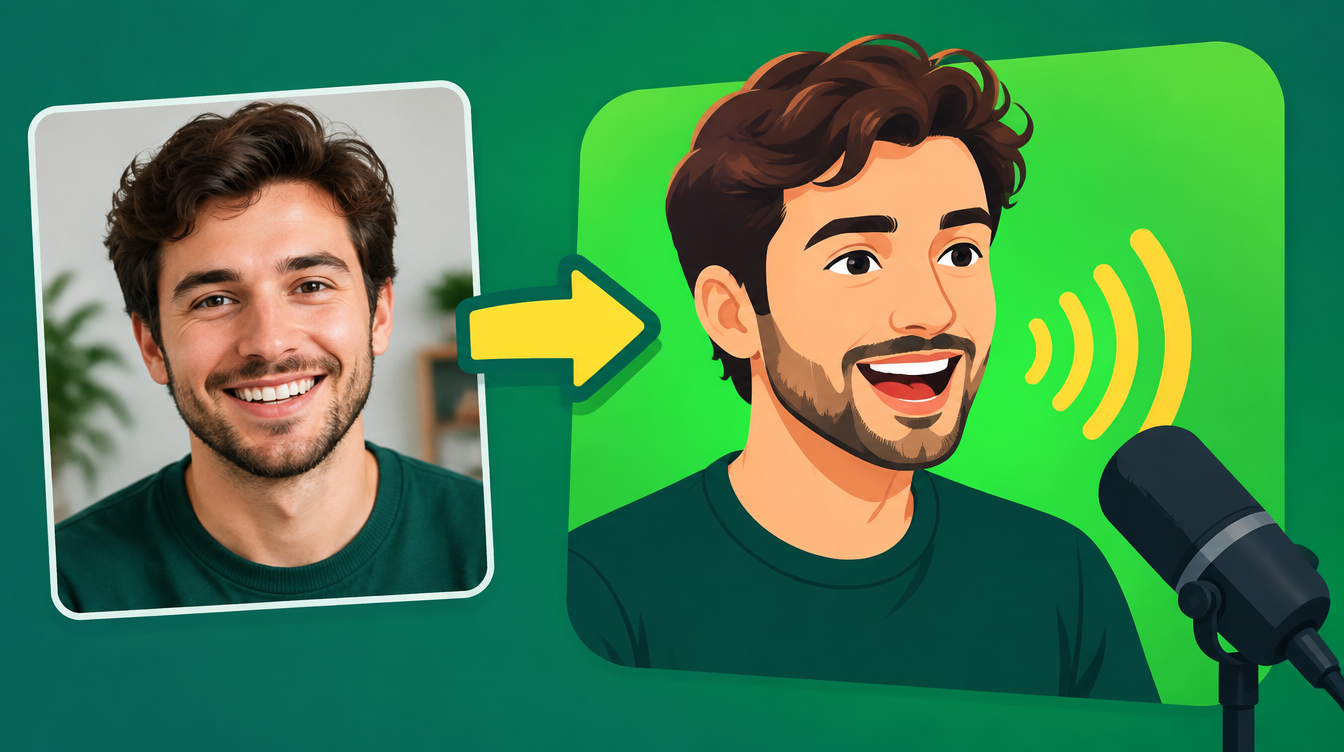
Do you need a lip-sync tool?
Not necessarily. The skill supports Wan 2.7 with audio references for precise synchronization, but it also includes a free mouth-flap mode that drives the mouth from voice energy analysis — no lip-sync tool, no extra account, no cost. That matters for the weekly-cadence creator: the pipeline from script to posted reel stays inside tools you already have.
What about the faceless reel that's just a quick tip?
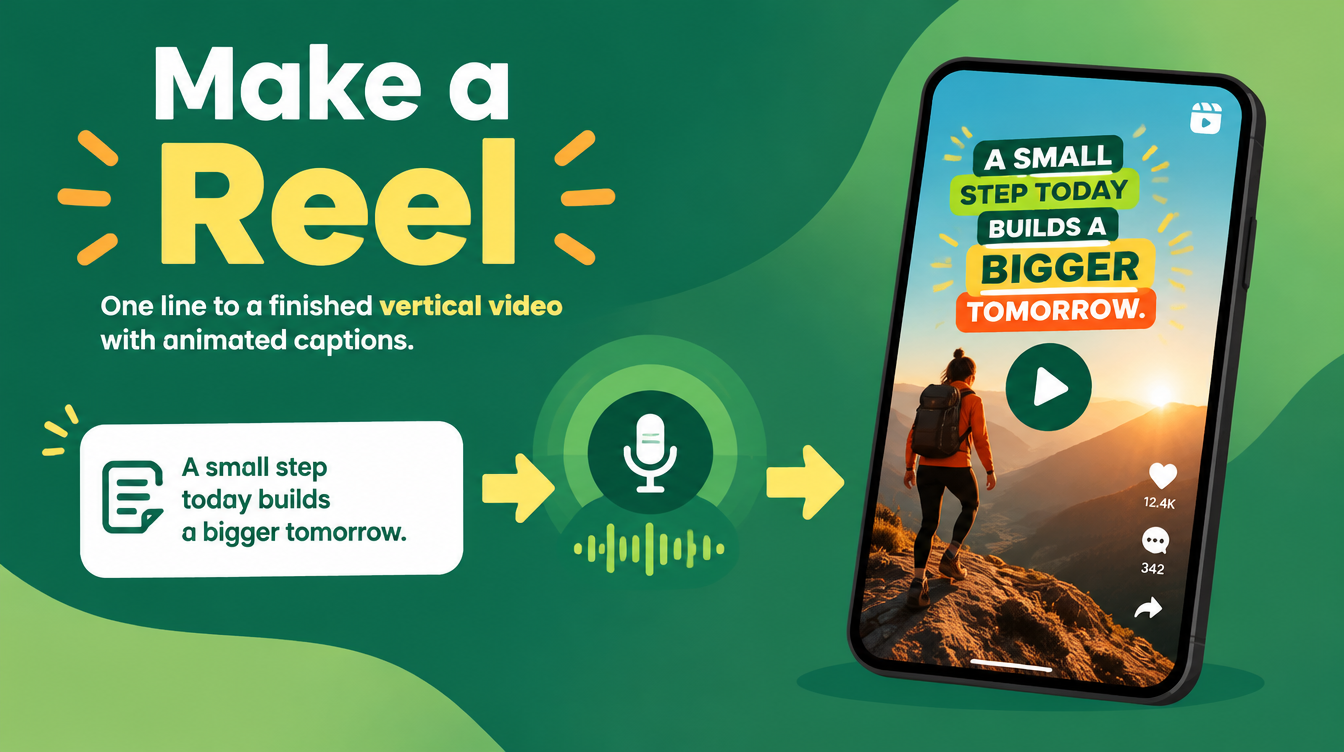
Not every video needs the character treatment. For the fast ones, Make a Reel turns one line into a finished 45–60 second vertical reel — script in Egyptian Arabic with tone tags, a free Edge TTS voice, animated paper-style scenes, word-by-word captions, final MP4 — and its Cartoon style adds a presenter character when you want one. The two skills pair naturally: Make a Reel for volume, Talking Character for identity. See how Make a Reel works and the social media manager's stack for where this fits a weekly content system.
Is a cartoon character really "your" content?
Yes — because the character is the packaging, and you are still the source. The script is yours, the takes are yours, the opinions are ones you would defend in the comments. What the character adds is a face the audience attaches to those opinions, without the personal cost of putting your own on every feed between here and forever. Plenty of major creators have never shown their face; almost none of the memorable ones have gone without a recognizable one.
How much does the faceless stack cost?
Talking Character and Make a Reel are both free on Mahara AI. Paid skills on the platform start at 499 EGP (about $10), there is a 499 EGP per month claim-and-keep subscription, and every purchase carries a 7-day refund.
FAQs
How do you make reels without showing your face?
Pick a format with a recognizable presenter instead of hiding one: a talking cartoon character built from one photo, animated scenes with a voice, or screen recordings for tutorials. The channels that grow replace the presenter rather than remove them.
Can AI turn my photo into a talking character?
Yes. The Talking Character skill turns one photo into a consistent 2D cartoon that talks with lip-sync — a turnaround sheet on chroma green, a 60–110 second dialogue script, free dual Egyptian voices, and a finished vertical reel.
Does the cartoon stay consistent across videos?
Yes — the photo analysis locks three signature details that never change, and the character ships as a turnaround sheet (front, three-quarter, side, back) so the same character keys into any scene from any angle.
Do I need my own voice?
No. The default path uses the free dual Egyptian voices Shakir and Salma. Voice cloning is supported, and if the clone is not close enough to yours, the skill says so and falls back to a clean stock voice.
Is the faceless reels stack free?
Yes — Talking Character and Make a Reel are free on Mahara AI. Paid skills start at 499 EGP (about $10), with a 499 EGP per month claim-and-keep subscription and a 7-day refund on every purchase.
The camera was never the barrier — the belief that it was the only door. Open the Mahara AI skills library, grab Talking Character, and give your opinions a face that isn't yours.