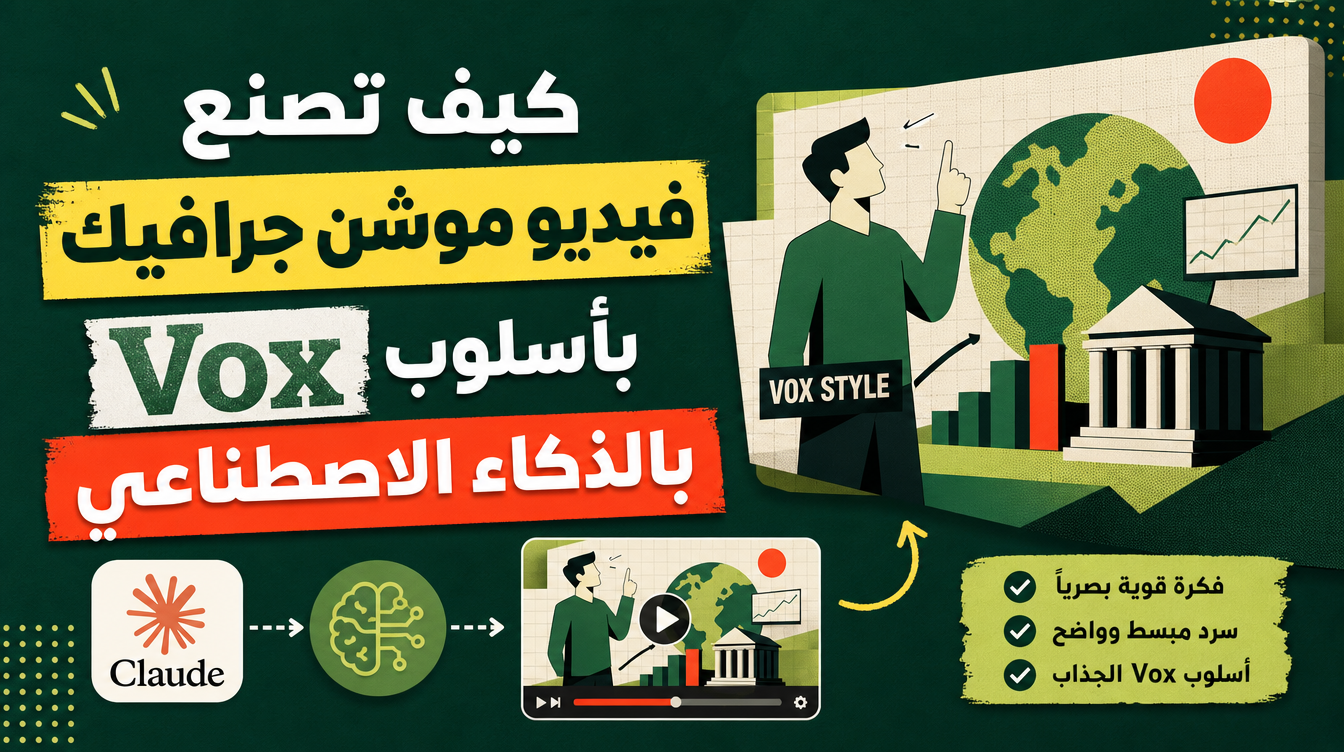
Ever watched a Vox video and wondered how they make flat collage animations feel so alive — and whether a Vox-style motion graphics video AI workflow could do the same for you? That exact look, the animated archival photos, the bold captions, the calm documentary narrator, used to need an editor, a researcher, and a scriptwriter. The vox-motion-graphics skill collapses all three jobs into one hands-off pipeline: you give it a topic (or nothing at all), and it comes back with a finished, narrated MP4 with burned-in subtitles.
What exactly is a Vox-style video?
The Vox formula is visual journalism. Instead of filming new footage, the format builds motion out of existing material: photos that pan and zoom, flat editorial graphics, big typographic moments, and a documentary voice that guides you through one clear idea. It is the style behind some of the most-watched explainer videos on YouTube, because it makes abstract topics — economics, history, tech trends — feel concrete and watchable. That is also why it is perfect for AI generation: the raw ingredients are research, a tight script, and animation, not a camera crew.
How does the vox-motion-graphics skill work?
The skill runs a seven-phase pipeline from a single request. You never touch the middle steps unless you want to:
- Topic discovery — you give it a topic, or it finds a trending one worth explaining.
- Research — it gathers verified facts so the script stands on real sources, not vibes.
- Script — it writes in the Vox formula, paced at roughly 20–24 words per 10-second block.
- Style key — it locks a consistent visual language for every clip.
- Animated clips — it generates the collage-motion shots block by block.
- Voiceover — one documentary narrator voice carries the whole video.
- Assembly — everything is cut into one final MP4 with subtitles burned in.
The pacing rule matters more than it sounds. Twenty to twenty-four words per ten seconds is the rhythm that makes Vox narrations feel authoritative instead of rushed. The skill enforces it while writing, so the voiceover and the animation blocks land in sync without you trimming anything.
Which of the two house styles should you pick?
The skill ships two looks, and choosing between them is the one creative decision you actually make:
| Style | Look | Best for |
|---|---|---|
| Mixed Media collage (default) | Flat editorial collage — photos, cutouts, and bold type layered in animated compositions | Trend explainers, listicles, tech and business topics, YouTube-first content |
| Paper-diorama documentary | Sepia newsprint world built like a paper diorama, filmed in a fake-oner FPV camera move | History, investigative storytelling, cinematic long-form pieces |
Mixed Media is the default because it matches what most people picture when they say "Vox-style." The paper-diorama style is the louder flex — a single continuous camera glide through a handcrafted-looking world — and it makes a topic feel like a mini-documentary rather than a slideshow.
One request in, one finished narrated video out — research, script, animation, voiceover, and subtitles assembled for you. That is the whole promise of the vox-motion-graphics skill.
What does hands-off actually mean here?
Hands-off does not mean you lose control — it means you stop doing production work. You stay the director: you approve the topic, you choose between the two house styles, and you review the final cut. Everything between those checkpoints — the fact-gathering, the word-count pacing, the clip generation, the voice recording, the subtitle burn — happens inside the pipeline without you babysitting render queues or copy-pasting scripts between five different tabs. For a creator publishing on a schedule, that difference is the whole game: an idea on Monday can be an uploaded documentary by the end of the week, without hiring an editor or learning a timeline.
Why is this better than generating loose clips?
Anyone can generate a few clips with a video model. The problem is everything between the clips: pacing drifts, the voice does not match the visuals, facts go unchecked, and you end up in an editing timeline for hours. A skill-based pipeline fixes the three failure points. First, the script is fact-checked before a single clip exists. Second, a style key keeps every clip visually consistent instead of looking like ten different tools contributed. Third, the final assembly is deterministic — one MP4, subtitles burned in, ready to upload. You are reviewing a finished piece, not herding assets.
How do you get the best results?
A few habits make the output noticeably better:
- Give it an angle, not just a topic. "Why housing got expensive" beats "housing."
- Let it find the topic when you are stuck — the discovery phase surfaces trending topics people are already searching for.
- Pick the style based on where the video lives: Mixed Media for feeds and YouTube, paper-diorama when you want it to feel like a film.
- Pair the video with the YouTube SEO skill so the finished MP4 ships with optimized titles, chapters, and tags instead of a default filename.
- Build it into a repeatable content system — the same approach works across the creator skill stack, from script to publish.
Who is this actually for?
Short answer: anyone who explains things for an audience. If you are new to what a skill even is, start with what an AI skill is — the short version is a downloadable instruction bundle your AI agent loads and follows. From there, the skill slots naturally into the routines covered in how AI skills automate your daily work, and it is just as useful for students building an audience — see the best AI skills for students in 2026.
Ready to make your first one? Browse the Mahara AI skill library, grab the vox-motion-graphics skill, and turn a single sentence into a finished documentary.