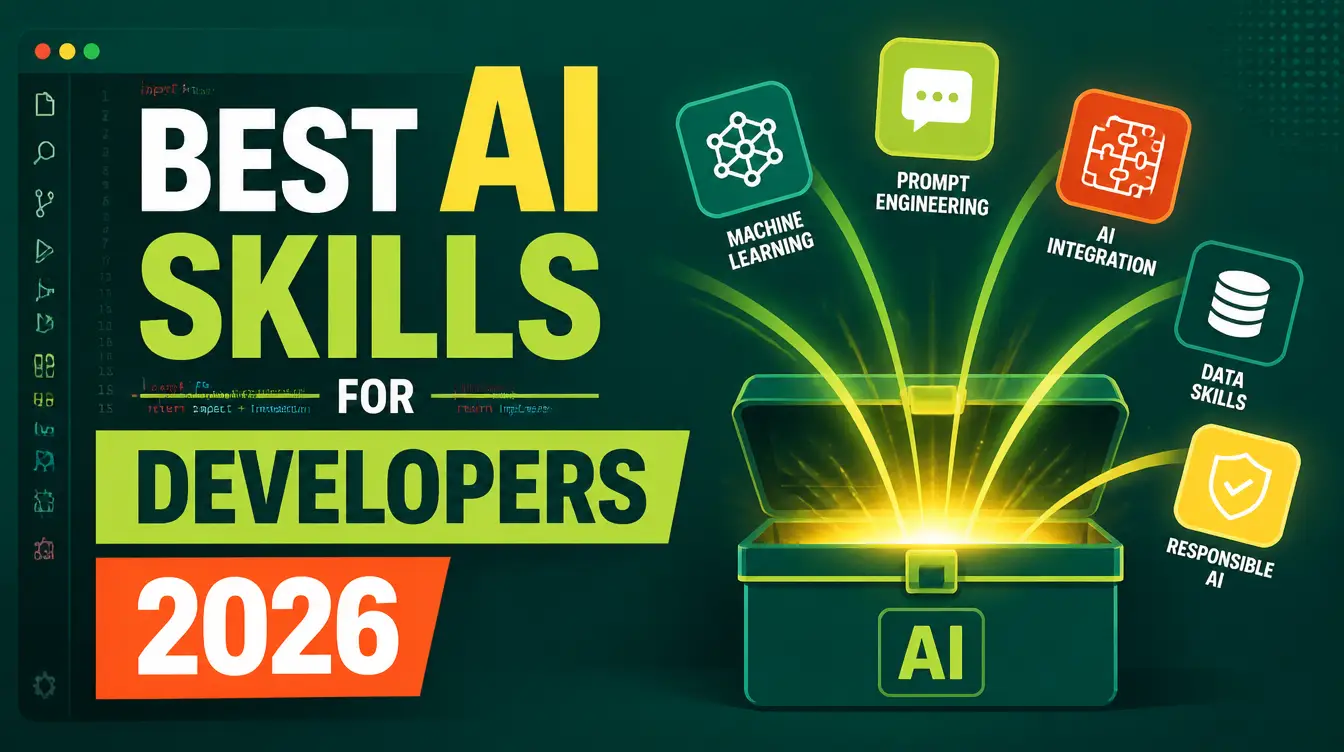
Ask a developer where the week went and the honest answer is rarely "writing code." It goes to evaluating tools, appeasing security, and making side projects presentable enough to show anyone. The best AI skills for developers in 2026 target exactly those three jobs: a skill that finds and installs vetted open-source tools, one that runs a full security audit of your project, and one that turns a working prototype into a website with real copy, structure, and SEO. All three are free downloads on Mahara AI, and all three run inside the coding agent you already use.
If the model is new to you, what is an AI skill covers the concept in two minutes. The short version for developers: a skill is a versioned bundle of instructions — a SKILL.md plus scripts and references — that teaches an agent like Manus or Claude a complete methodology. You bring the repository; the skill brings the discipline.
Which AI skills does a developer actually need?
Three, to start — mapped to the three jobs that quietly eat a developer's calendar:
| The job | The skill | What it delivers |
|---|---|---|
| Choosing tools without a week of research | Open-Source Tool Finder | Live GitHub search, license and maintenance vetting, and a correct install for your OS |
| Knowing your project is actually secure | Security Audit & Hardening | An eight-phase audit from leaked secrets to SBOM, safe fixes, and an AI-executable fix plan |
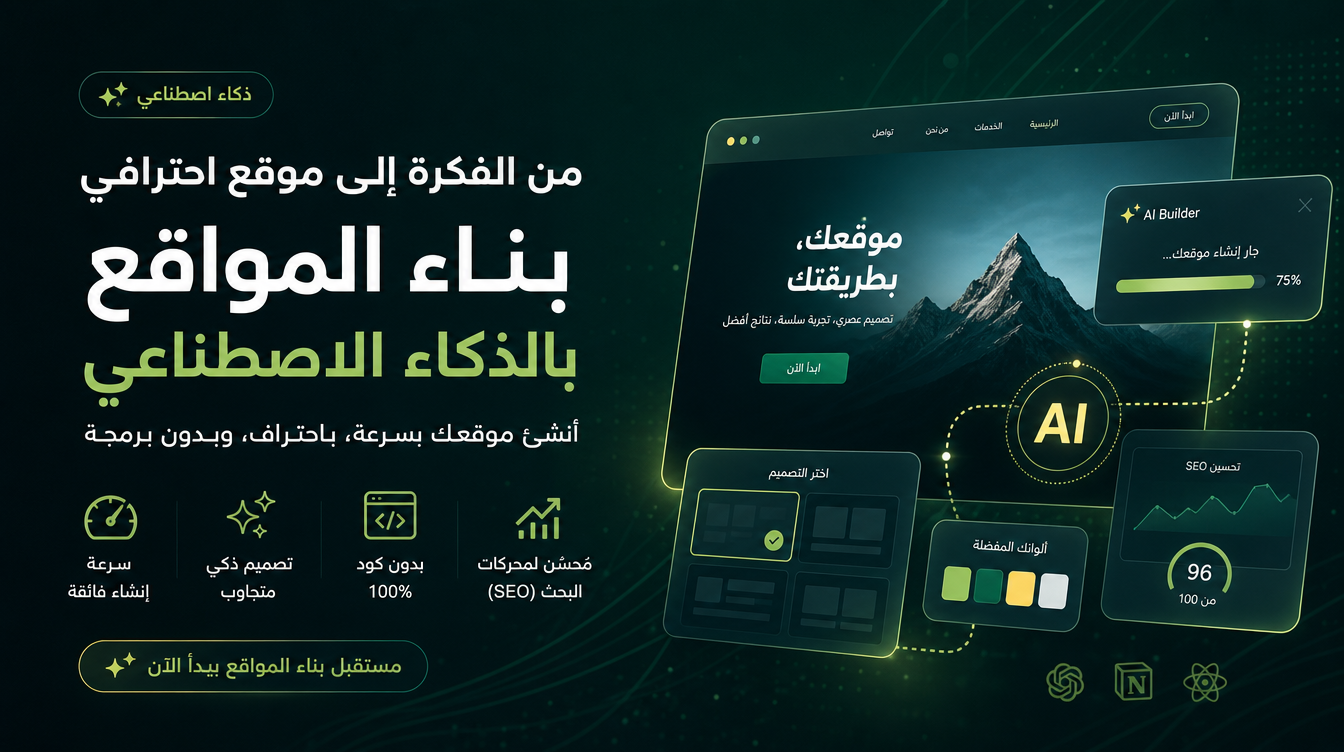
| Shipping side projects that look finished | Professional Website Builder | Website copy, structure, and SEO/AEO for the thing you just built |
How do you stop choosing tools by habit?
You use the Open-Source Tool Finder instead of your memory. The skill runs a five-phase pipeline live: it understands the job, searches GitHub in real time using two to three different vocabularies plus curated awesome lists, then vets every candidate for maintenance activity, license terms — including the non-commercial and fair-code licenses that quietly bite commercial side projects — operating-system releases, and security posture. You get two to three ranked recommendations with the reasoning spelled out, and once you approve, it installs and configures the winner with the right method for your system: winget or Homebrew for everyday apps, Docker for server-side tools, a uv virtual environment for Python projects. Two rules make it trustworthy for a developer: it never invents repositories, and it never states star counts from memory. If it says a project exists and is maintained, it saw that on GitHub during your session, not in training data from two years ago.
The full walkthrough, including the vetting checklist, is in the Open-Source Tool Finder guide.
How does an AI skill audit your project's security?
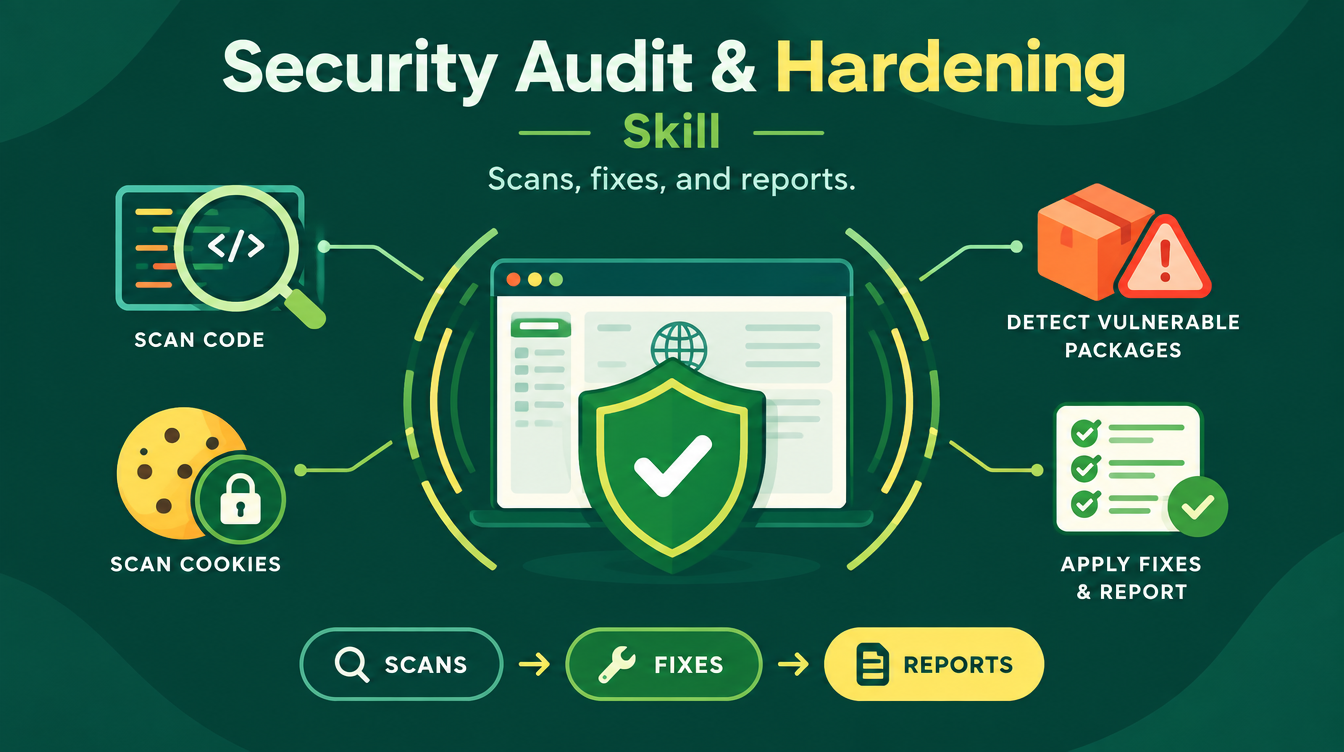
The Security Audit & Hardening skill runs eight phases locally through your coding agent, and it is defensive only — it never writes exploit code. The scan layer covers security headers and cookies, leaked secrets in code and git history via Gitleaks, vulnerable packages via npm audit, OSV-Scanner, and Trivy, code flaws via Semgrep, a passive OWASP ZAP scan of the running app, functional and access-control testing through TestSprite over MCP, container and IaC checks, and a full SBOM of everything your app ships with. Then it fixes in strict order — leaked secrets first, then critical code issues, then headers — with a build and test run after every batch, so nothing gets patched in bulk and hoped for. You end with two deliverables: an AI Fix Plan precise enough for another agent to execute step by step, and a Human Brief you can read in two minutes before a standup.
We ran this audit end to end in the website security audit walkthrough — same skill, full report.
How do you ship a side project that doesn't look like one?
Most side projects die at the "now make it presentable" step, because a developer's definition of done is a running process and the world's definition is a convincing website. The Professional Website Builder skill covers exactly that gap: it produces the website copy, the page structure, and the SEO/AEO setup — titles, descriptions, schema, the things search engines and AI answer engines actually read — so the project you spent weekends building gets found instead of dying in a private repository. It does not replace your framework or your deployment; it replaces the blank-page paralysis that follows them.
The unfair advantage in 2026 is not a better model. It is a developer who ships with security evidence and a site that ranks — while everyone else is still choosing a linter.
What should a developer download first?
Start with the Open-Source Tool Finder, because every project begins with a tool decision, and the skill pays for itself in the first session — it is free, so "pays for itself" means pays you in the one currency you cannot mint: an evening. Add the Security Audit & Hardening skill the moment you have anything deployed that matters, and treat its Human Brief as a habit, not an incident response. The Professional Website Builder comes third, the day you decide a project deserves users. If your motivation is financial rather than technical, the self-hosted guide to cutting SaaS bills shows the same skills applied to your subscription stack.
FAQs
Are these AI skills for developers free?
Yes — all three skills in this article are free on Mahara AI. Paid skills on the platform start at 499 EGP (about $10 USD), there is a 499 EGP per month claim-and-keep subscription, and every purchase carries a 7-day refund.
Do the skills work with coding agents like Manus and Claude?
Yes. Skills are bundles of instructions your agent reads and executes. The security skill runs eight phases locally through your coding agent, and the Open-Source Tool Finder's pipeline runs live GitHub searches during your session rather than from memory.
Is the security skill safe to run on a real repository?
Yes — it is defensive only. It never writes exploit code, never prints your secrets in full, prefers staging over production, and fixes in strict order with a build and test run after every batch. The output is an AI Fix Plan plus a two-minute Human Brief.
How is this different from just asking ChatGPT for tool recommendations?
Citation discipline. A general chatbot recommends from training data and can invent projects; the Open-Source Tool Finder never invents repositories and never states star counts from memory — if it names a tool, it verified it on GitHub in your session, including its license and maintenance status.
I don't have a website. Do I need the third skill?
Only when you want people to find your work. Until then, the tool finder and the security audit cover the daily loop. The website skill becomes valuable the day a project deserves an audience instead of a README.
Your 2026 stack is not more plugins — it is three methodologies that respect your time. Browse the full skills catalog and download the first one tonight.